Community listing page, reviews may not be monitored by the author.
CameraHUD


No reviews yet
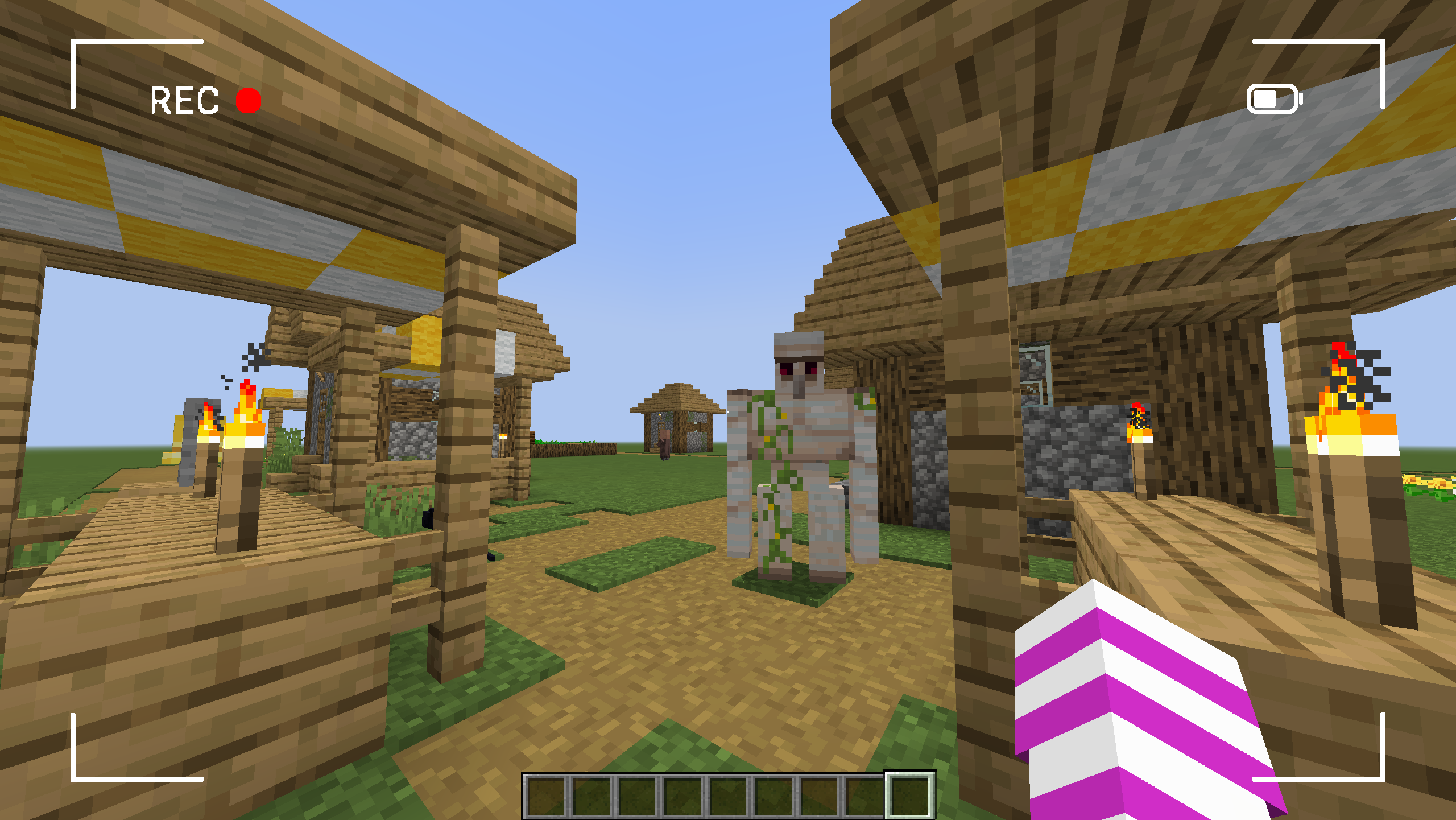
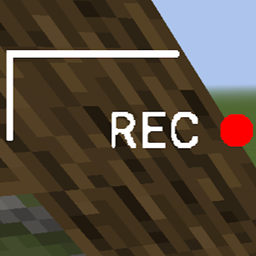
Add the famous "REC" camera hud into the game.

Community voices
Reviews
No reviews yet. Be the first to review this project!
Get it on
Available Platforms
Compatibility
Supported Environments
Runs entirely on the client. Works on vanilla servers.
About
Project Details
For authors
Embed Badge
If you're the author of this project, you can embed a live badge anywhere that supports HTML or Markdown. It updates automatically whenever ratings change.
Use HTML for any page that supports it, or Markdown for README files and Markdown-based descriptions.
Identifiers
Platform IDs
Resources
External Links
About
Description
CameraHUD
An immersive Minecraft experience with a simple and effective camera HUD.
Have you always dreamed of an interface that makes you feel like a cameraman in your Minecraft world? CameraHUD adds a minimalist and customizable HUD (Heads-Up Display) that transforms your view.
Features :
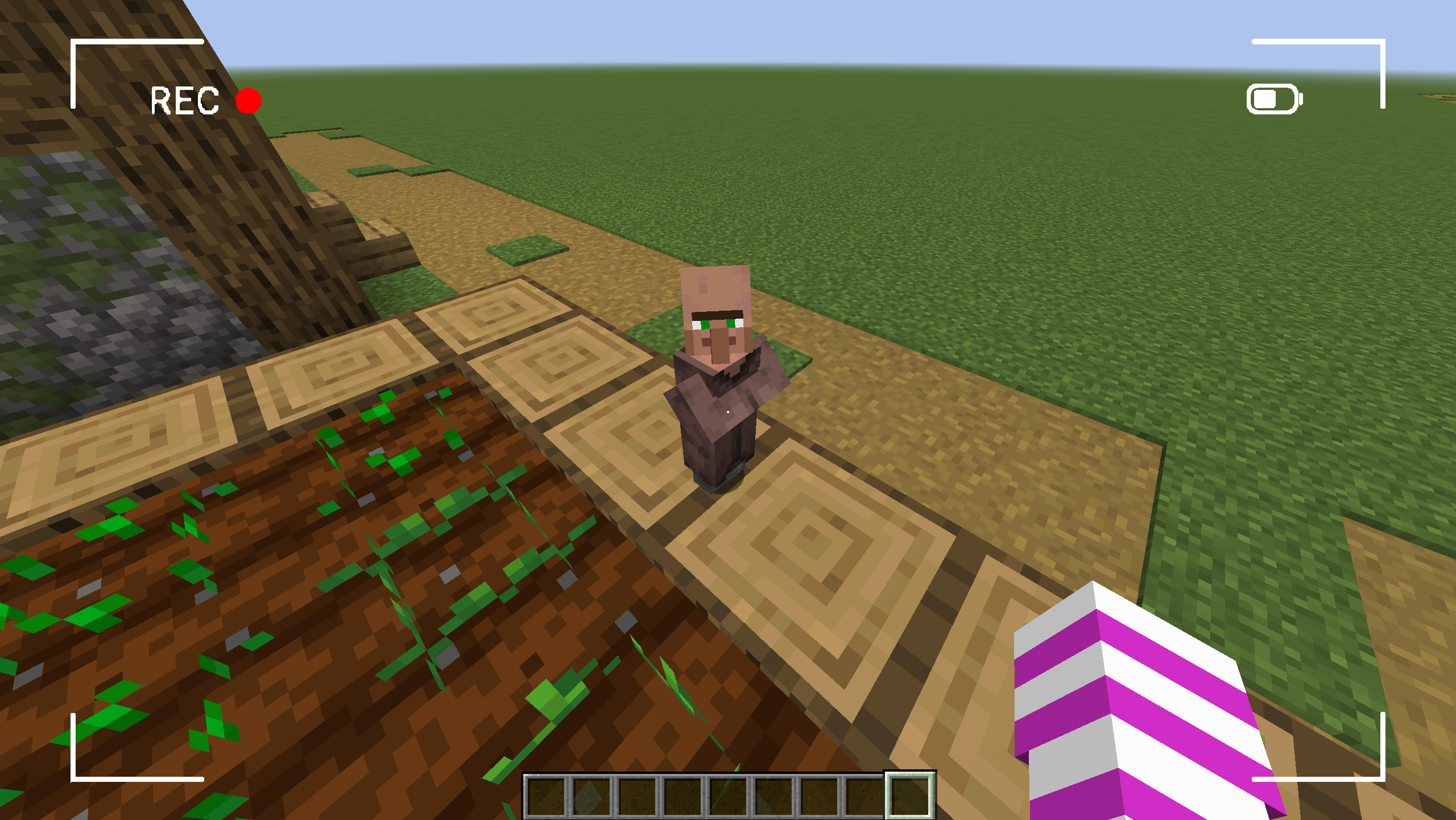
- Camera HUD : Displays a simple camera interface on your screen, perfect for cinematics or video creation.
- Full Control : Adjust the HUD's transparency directly in your mod's configuration file.
- Lightweight and Compatible : Designed to run smoothly and be compatible with other mods, CameraHUD is the perfect addition to any adventure.
How It Works :
CameraHUD adds a simple visual effect to your screen in first-person view. It's ideal for those who enjoy building, taking screenshots, or making short films in Minecraft.
Configuration :
The mod generates a configuration file where you can enable or disable the HUD and adjust its opacity.
- enableHUD : Enables or disables the HUD.
- hudOpacity : Controls the HUD's transparency (from 0 to 255).
CameraHUD
An immersive Minecraft experience with a simple and effective camera HUD.
Have you always dreamed of an interface that makes you feel like a cameraman in your Minecraft world? CameraHUD adds a minimalist and customizable HUD (Heads-Up Display) that transforms your view.
Features:
-
Camera HUD: Displays a simple camera interface on your screen, perfect for cinematics or video creation.
-
Full Control: Adjust the HUD's transparency directly in your mod's configuration file.
-
Lightweight and Compatible: Designed to run smoothly and be compatible with other mods, CameraHUD is the perfect addition to any adventure.
How It Works:
CameraHUD adds a simple visual effect to your screen in first-person view. It's ideal for those who enjoy building, taking screenshots, or making short films in Minecraft.
Configuration:
The mod generates a configuration file where you can enable or disable the HUD and adjust its opacity.
-
enableHUD : Enables or disables the HUD.
-
hudOpacity : Controls the HUD's transparency (from 0 to 255).
Screenshots
Gallery
Versions
Files
Relations
Project Relations
More like this
Similar Mods
Suggestions use data such as tags, dependencies, dependents, descriptions, titles, and more to rank how much they overlap with this mod.
On ModDex
Community snapshot
By the numbers
Statistics

Get it on
Available Platforms
On ModDex
Community snapshot
By the numbers
Statistics
Resources