
Community listing page, reviews here may not be monitored by the author.
Hit Display

No reviews yet
PvP HUD feedback mod with tons of customization!
Community voices
Reviews
No reviews yet. Be the first to review this project!
Get it on
Available Platforms
Compatibility
Supported Environments
Runs entirely on the client. Works on vanilla servers.
About
Project Details
For authors
Embed Badge
If you're the author of this project, you can embed a live badge anywhere that supports HTML or Markdown. It updates automatically whenever ratings change.
Use HTML for any page that supports it, or Markdown for README files and Markdown-based descriptions.
Identifiers
Platform IDs
Resources
External Links
About
Description
Hit Display — Damage & Combo HUD
Activates on hit. Visualizes real-time damage, death, and combos.
Commands:
/hitdisplay trackhealth <true|false>
Tracks entity heath and displays it below the damage you deal.
/hitdisplay scale
Sets the HUD scale from 0.1 to 5.0.
Customize how large the damage and combo text appears.
/hitdisplay combo <true|false>
Toggles combo counter display.
When enabled, shows your current combo streak on hit.
/hitdisplay mode <1-9>
Choose your animation style:
Each mode controls how the damage text animates.
/hitdisplay color
Sets the text color.
/hitdisplay move
Enters drag-and-drop HUD positioning mode.
Customize where the HUD appears on screen.
Screenshots
Gallery
-
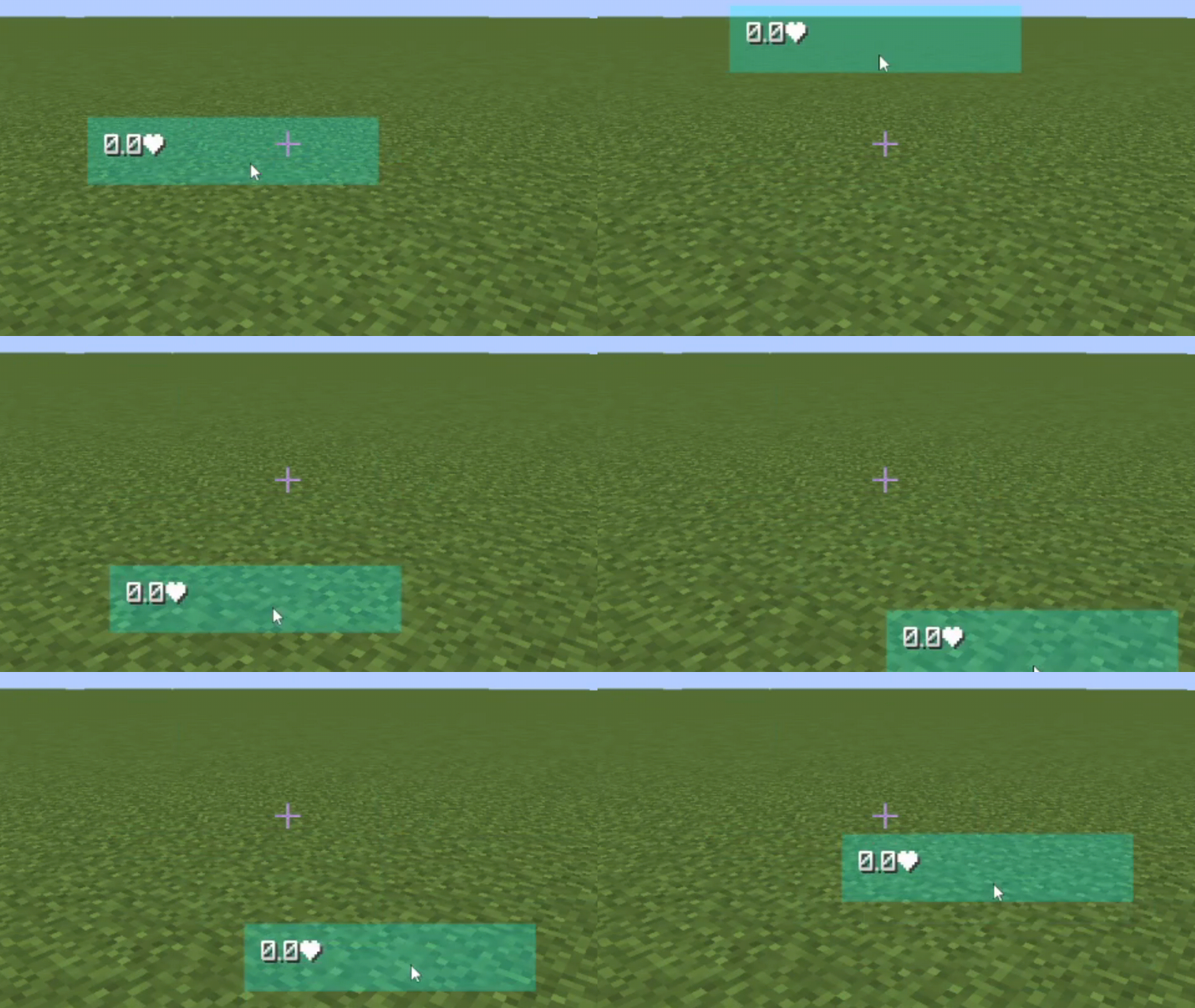 Configuration Menu! Config the position of the damage display
 -
 Damage Display! Shows the amount of hearts you do to an entity with a fully customizable animation!
 -
 Health Tracker keeps track of entity health
Versions
Files
Relations
Project Relations
More like this
Similar Mods
Suggestions use data such as tags, dependencies, dependents, descriptions, titles, and more to rank how much they overlap with this mod.
On ModDex
Community snapshot
By the numbers
Statistics

Want to reach Minecraft players?
We're looking for a server hosting partner to feature here and other parts of the site. Interested? Send us a message!
Get in touchGet it on
Available Platforms
On ModDex
Community snapshot
By the numbers
Statistics
Resources