
Community listing page, reviews here may not be monitored by the author.

Community voices
Reviews
No reviews yet. Be the first to review this project!
Get it on
Available Platforms
Compatibility
Supported Environments
Runs entirely on the client. Works on vanilla servers.
About
Project Details
For authors
Embed Badge
If you're the author of this project, you can embed a live badge anywhere that supports HTML or Markdown. It updates automatically whenever ratings change.
Use HTML for any page that supports it, or Markdown for README files and Markdown-based descriptions.
Identifiers
Platform IDs
About
Description
What it does
Open a live console overlay while you play. Type commands, run JavaScript, save multi-line scripts to files, and bind actions to keys. Everything runs on the client tick thread, so it stays stable while the game keeps running behind it.
Scripting
Three ways to run code:
| Prefix | What it runs |
|---|---|
| (none) | Console commands |
> |
JavaScript (GraalJS) — live game access |
>> |
Real Java via JShell (dev/JDK only) |
Scripts get mc, player, world, lc (feature toggles), and fx — a helper API for particles, movement, HUD text, and more that works on a normal install. |
|
Run code every tick with tick <code>, or save proper multi-line scripts as files: |
|
| script new myscript → create & open in your editor script run myscript → run once script tick myscript → run every tick |
Scripts live in config/live-console/scripts/.
Aliases
Set a shortcut for a visual effect:
alias ring > (function(){for(var i=0;i<16;i++){var a=i/16*6.283;fx.particle('flame',fx.px()+Math.cos(a)*2,fx.py()+0.5,fx.pz()+Math.sin(a)*2);}})()
Now when you type ring in the console, it spawns a flame ring. Remove it with unalias ring.
Bind it to a key:
bind r ring
Press R in-game and you get a ring of fire around your feet.
Interactions with the chat enviroment
var lines = [
    "3",
    "2",
    "1",
    "GO!"
];

for (var i = 0; i < lines.length; i++) {
    // one message per run — run 4 times manually, or use tick with a timer
    fx.say(lines[i].replace(/&/g, "&"));
}

fx.say(">>> GO! <<<");
To run it: script new chat Copy paste the content provided above into the new file Save script run chat
Console features
- Tab completion and command history
- Scrollback with mouse wheel / Page Up & Down
- Ctrl+C copies the full log; click a line to copy just that line
- In-game
docscommand for the full guide - Logo and header in the console UI
Requirements
- Minecraft 1.21.1+
- Fabric Loader + Fabric API
- Java 21+
Screenshots
Gallery
-
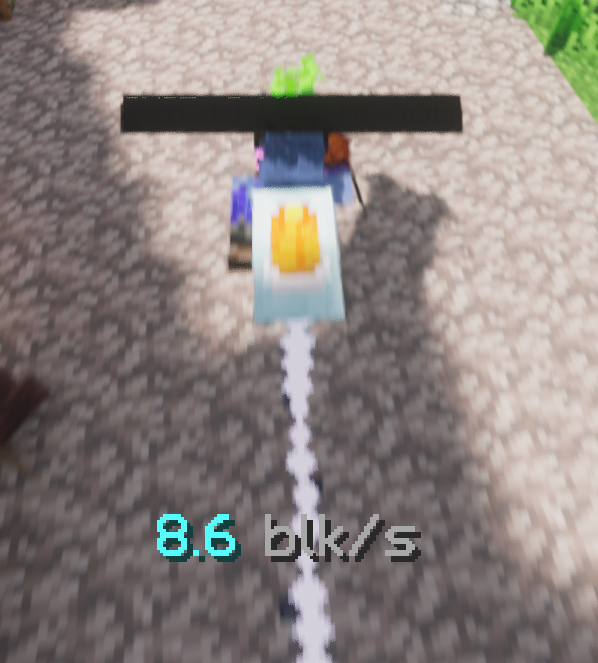 Speedometer Text and particle showcasing movement speed, all made with the console.
 -
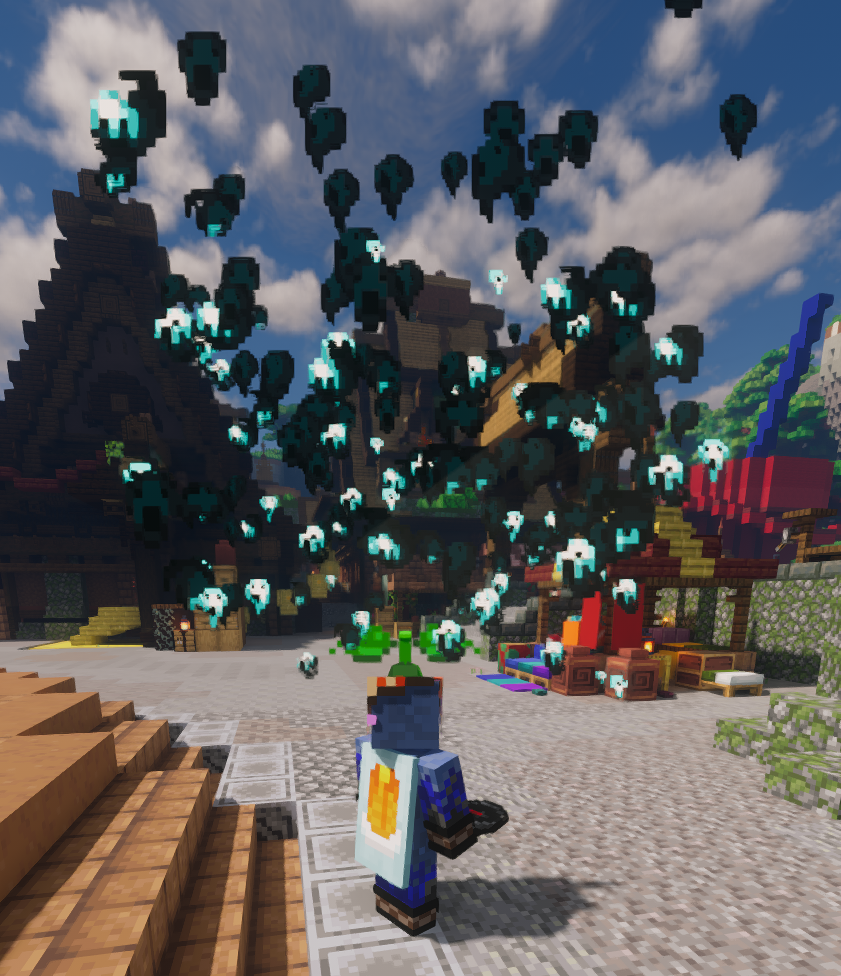 Soul Rain Soul Rain particle effect done with the console.
 -
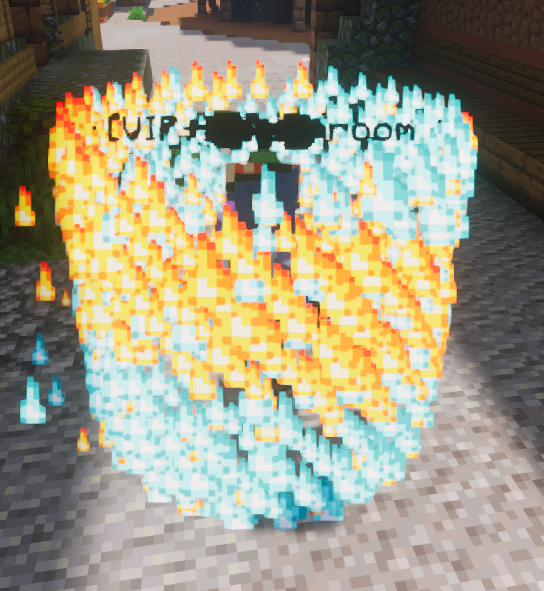 Double helix Double helix made with the console
 -
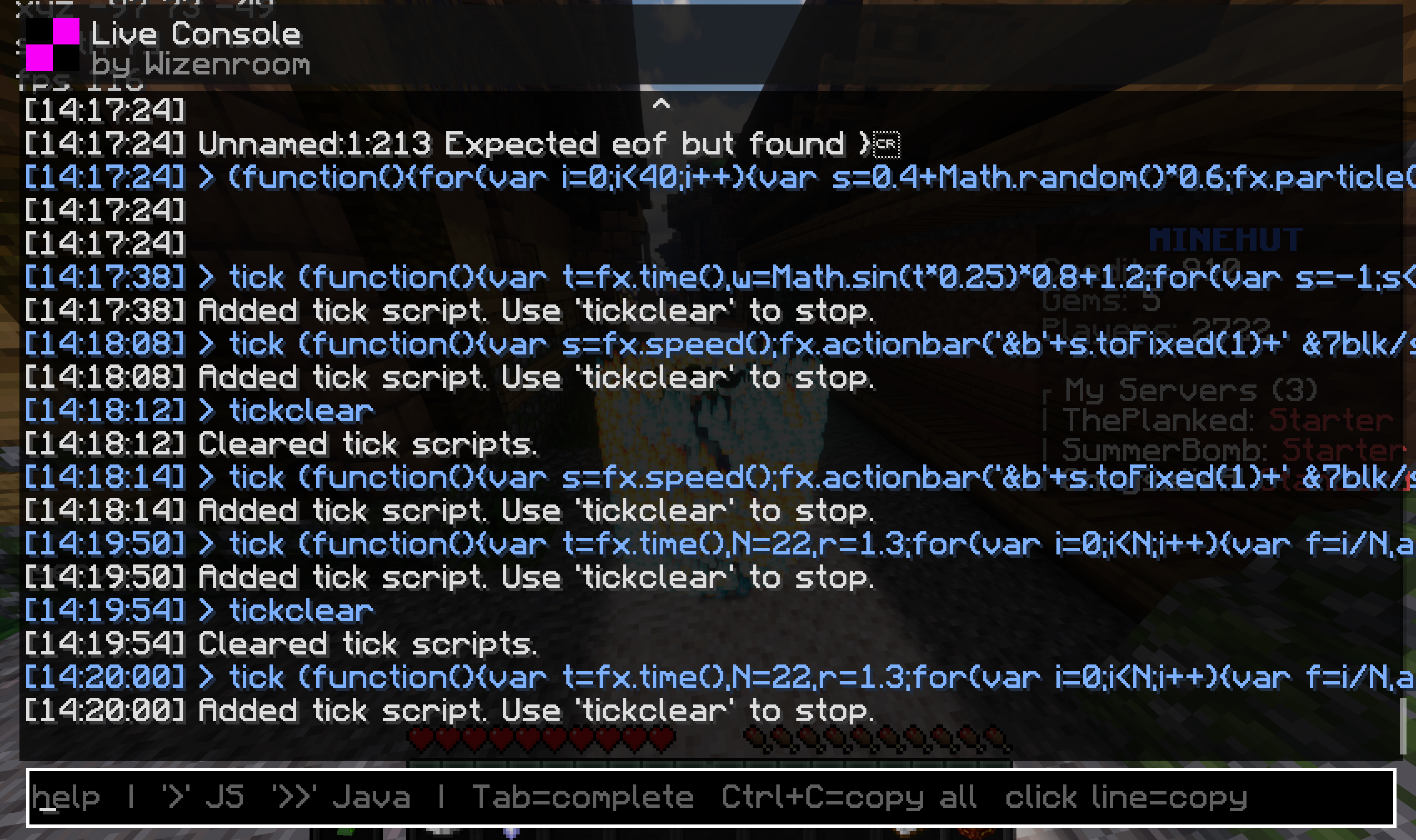 Console Showcase of the ingame console
Versions
Files
Relations
Project Relations
More like this
Similar Mods
Suggestions use data such as tags, dependencies, dependents, descriptions, titles, and more to rank how much they overlap with this mod.
On ModDex
Community snapshot
By the numbers
Statistics

Want to reach Minecraft players?
We're looking for a server hosting partner to feature here and other parts of the site. Interested? Send us a message!
Get in touchGet it on
Available Platforms
On ModDex
Community snapshot
By the numbers