Community listing page, reviews here may not be monitored by the author.
Integrated circuit

No reviews yet
Adds integrated circuits to compact your redstone circuits into one block
Community voices
Reviews
No reviews yet. Be the first to review this project!
Get it on
Available Platforms
Compatibility
Supported Environments
Must be installed on both the client and the server.
About
Project Details
For authors
Embed Badge
If you're the author of this project, you can embed a live badge anywhere that supports HTML or Markdown. It updates automatically whenever ratings change.
Use HTML for any page that supports it, or Markdown for README files and Markdown-based descriptions.
Identifiers
Platform IDs
About
Description
Integrated Circuit


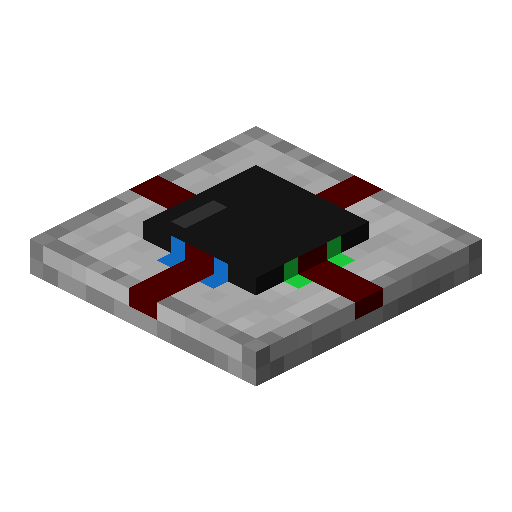
A Minecraft mod that adds an integrated circuit redstone component. Each integrated circuit block has a 15x15 grid where you can place two-dimensional redstone components. Each side of the circuit can be used as an input or output for your circuit.
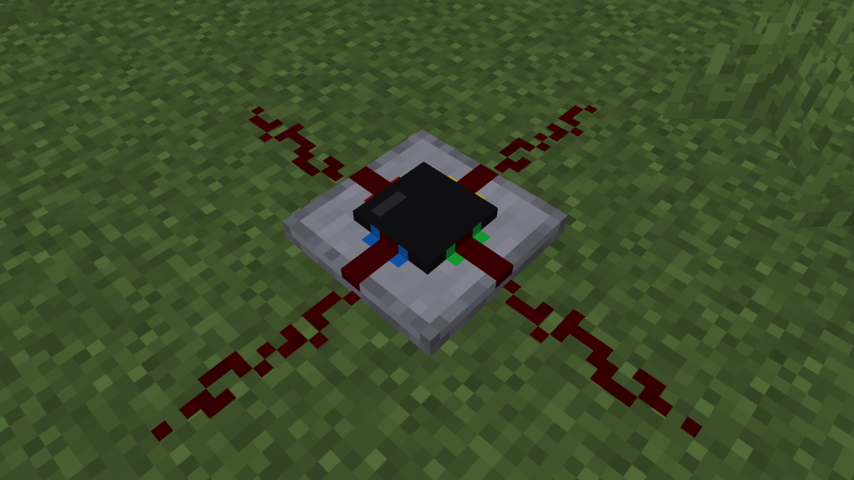

How to use
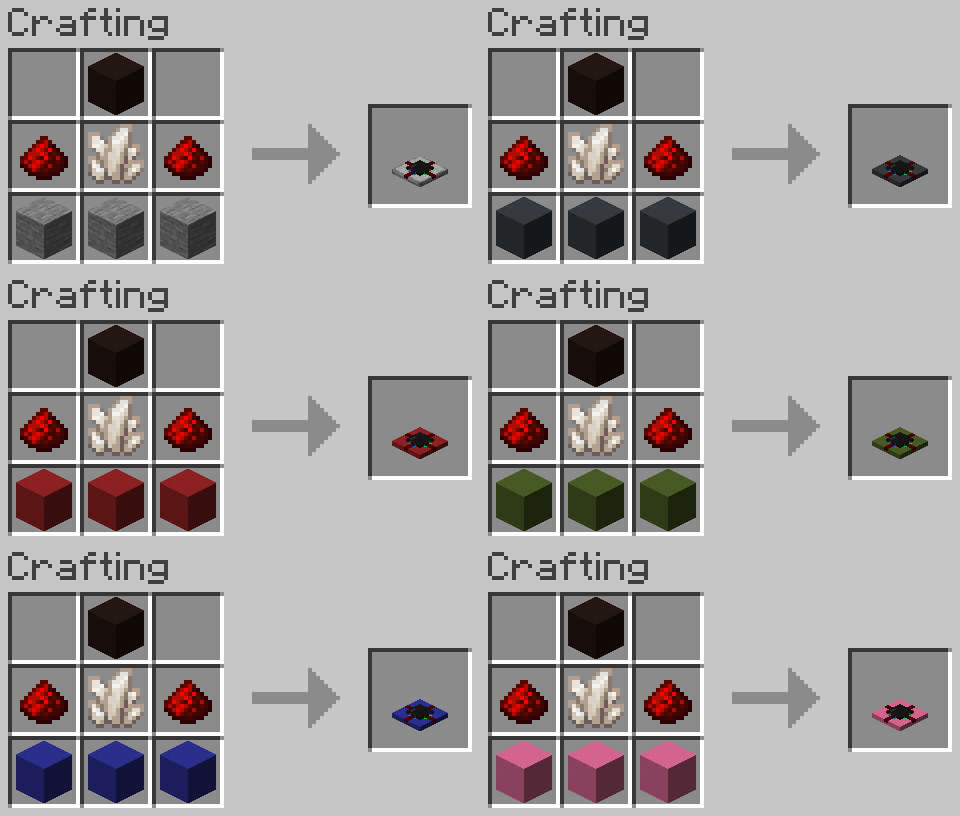
To craft an integrated circuit, you need 2 redstone dust, 1 quartz, 1 black terracotta, and 3 concrete or stone arranged like so:
When you place one down and click on it, it will open the circuit editor screen. You can select a block on the left, and place it in the 15x15 grid as you normally would in minecraft. To rotate a component, you use the scroll wheel. Adjusting repeater delay or the comparator mode is done by right clicking on a component.
The four ports are labeled using four colors to associate them with the sides of the integrated circuit block. Each port can be an input or output, which can be changed by right clicking it in the editor.
You can also copy circuits by putting an integrated circuit in the crafting grid, along with empty integrated circuits, similar to how books are copied, or re-dye them a different color by crafting them with a dye item, like with wool or shulker boxes.
Config
When having cloth-config and ModMenu installed, a config can be accessed from the Mod's modmenu page. Without cloth-config installed, the mod will use the vanilla keybindings and default config options.
The config allows to customize the three main keybindings for placing, destroying and picking components. You can also change the scroll behaviour (rotate component, scroll palette) and inverse the scroll direction.
Credits
Credits for the tweaked redstone component textures (levers, observers):
Vanilla Tweaks: https://vanillatweaks.net/
Screenshots
Gallery
-
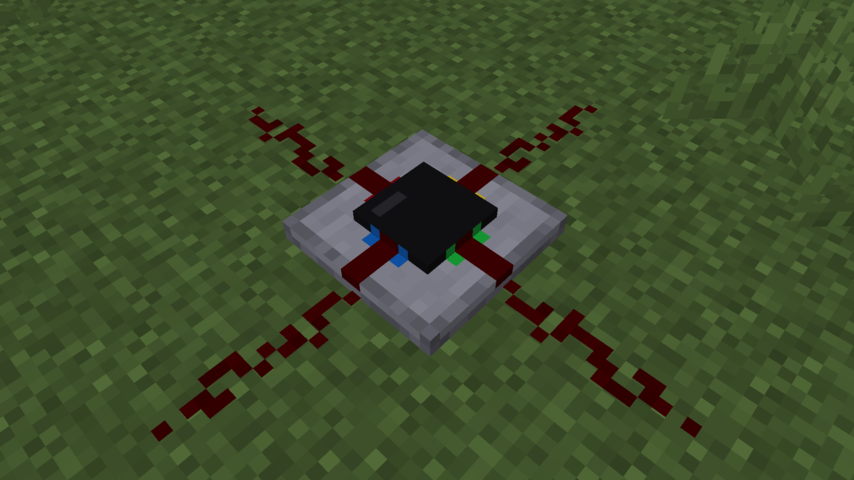 Integrated circuit block
 -
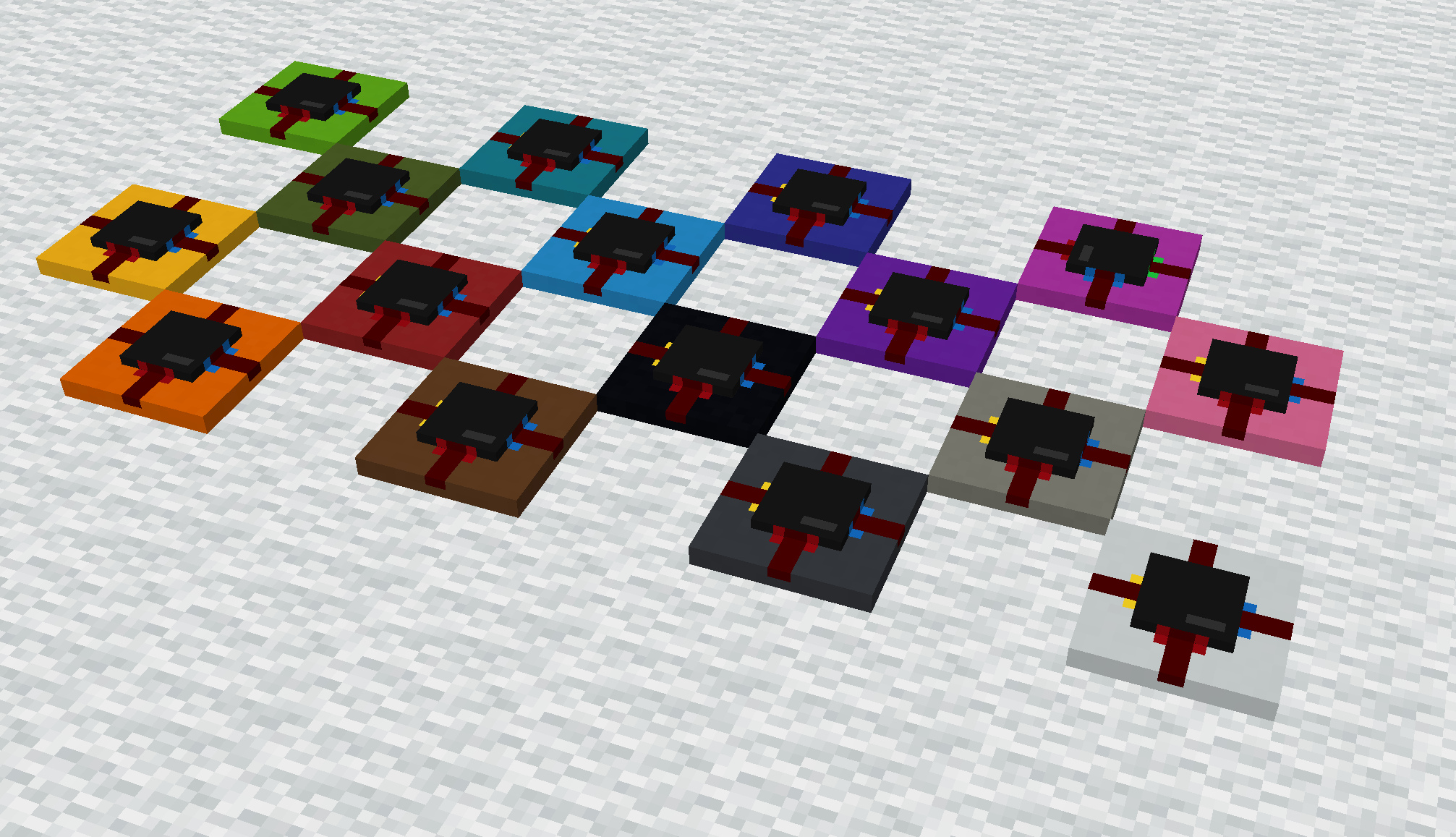 Colored circuit variants
 -
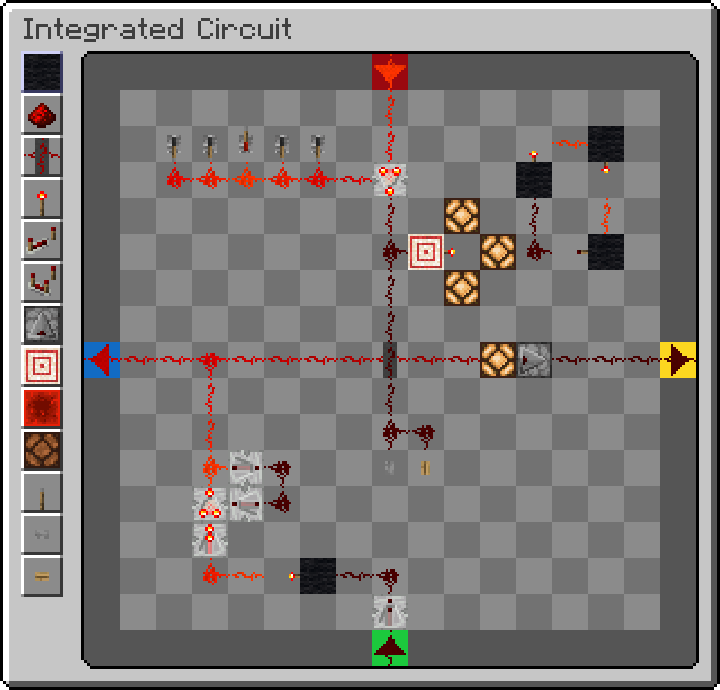 Circuit editor
Versions
Files
Relations
Project Relations
More like this
Similar Mods
Suggestions use data such as tags, dependencies, dependents, descriptions, titles, and more to rank how much they overlap with this mod.
On ModDex
Community snapshot
By the numbers
Statistics

Want to reach Minecraft players?
We're looking for a server hosting partner to feature here and other parts of the site. Interested? Send us a message!
Get in touchGet it on
Available Platforms
On ModDex
Community snapshot
By the numbers