Mod

Lootr (Forge & NeoForge)
Rank 61
Rank 29 among mods

Quick rating

Lootr (Forge & NeoForge)

Overall rating distribution
0.5★ (no ratings)
1.0★ (no ratings)
1.5★ (no ratings)
2.0★ (no ratings)
2.5★ (no ratings)
1 rating (13%) · 3.0★
1 rating (13%) · 3.5★
4.0★ (no ratings)
2 ratings (25%) · 4.5★
4 ratings (50%) · 5.0★
0.5★ 5★
Gameplay rating distribution
0.5★ (no reviews)
1.0★ (no reviews)
1.5★ (no reviews)
2.0★ (no reviews)
2.5★ (no reviews)
3.0★ (no reviews)
3.5★ (no reviews)
4.0★ (no reviews)
4.5★ (no reviews)
2 reviews (100%) · 5.0★
0.5★ 5★
Aesthetics rating distribution
0.5★ (no reviews)
1.0★ (no reviews)
1.5★ (no reviews)
2.0★ (no reviews)
2.5★ (no reviews)
3.0★ (no reviews)
3.5★ (no reviews)
4.0★ (no reviews)
1 review (50%) · 4.5★
1 review (50%) · 5.0★
0.5★ 5★
Performance rating distribution
0.5★ (no reviews)
1.0★ (no reviews)
1.5★ (no reviews)
2.0★ (no reviews)
2.5★ (no reviews)
3.0★ (no reviews)
3.5★ (no reviews)
1 review (50%) · 4.0★
4.5★ (no reviews)
1 review (50%) · 5.0★
0.5★ 5★

A mod that makes it so nobody misses out on Loot! All loot chests are instanced per player and visually unique.

No Theme
Small Group & Co-op Play
MMO Features
Development: Active/WIP
Mod Loaders
Forge
NeoForge
Fabric
Minecraft
26.2

Community voices

Reviews

Versions
Loading versions…
Match includes

Click once to include, again to exclude, again to clear

Rating Any
Any 0.5 1.0 1.5 2.0 2.5 3.0 3.5 4.0 4.5 5.0
Min
Max
Play Status
Reviews
Time Played
hrs+
Verified developers only
Has developer response
List view
Grid view
Compact view
Sort by
Date
Rating
Helpful
Unhelpful
Edited
Sort ascending
Delete this review?

This removes your review from the project. You can write a new review after.

Review submitted for moderation

Your review has been sent to moderators, who will check that it meets our guidelines before it appears publicly.

4.5
Auseawesome

Reputation ranks

Explorer 0 pts
Contributor 100 pts
Guide 500 pts
Veteran 1,500 pts
Luminary 4,000 pts

Ranks only ever go up; points can drop but your rank stays.

About reputation ranks
Posted: June 19, 2026 at 10:59:19 PM UTC
500 hrs
Total hours played at time of review
MC 1.21, 1.2… MC 1.21, 1.20, 1.18, 1.16
The version(s) the reviewer played
Gameplay
5.0
Aesthetics
4.5
Performance
4.0

This mod is a godsend for server owners, when new players join modded worlds they are often placed into a desolate spawn, ransacked 5k blocks in every direction. This mod does a good amount of work to fix that.

The fact this mod supports different types of storage such as chests and barrels and in a lot of cases successfully automatically detects when it needs to replace the loot blocks in structures meaning it can often work without any configs. Although in the few times it hasn't worked automatically it can be a giant pain to get working...

This mod makes me wonder whether something similar for valuable blocks in structures would be possible, though that'd be much harder to implement.

If you ever play modded adventure servers, use this.

1
0
4.5
Auseawesome

Reputation ranks

Explorer 0 pts
Contributor 100 pts
Guide 500 pts
Veteran 1,500 pts
Luminary 4,000 pts

Ranks only ever go up; points can drop but your rank stays.

About reputation ranks
Posted: June 19, 2026 at 10:59:19 PM UTC
500 hrs
Total hours played at time of review
MC 1.21, 1.2… MC 1.21, 1.20, 1.18, 1.16
The version(s) the reviewer played
Gameplay
5.0
Aesthetics
4.5
Performance
4.0

This mod is a godsend for server owners, when new players join modded worlds they are often placed into a desolate spawn, ransacked 5k blocks in every direction. This mod does a good amount of work to fix that.

The fact this mod supports different types of storage such as chests and barrels and in a lot of cases successfully automatically detects when it needs to replace the loot blocks in structures meaning it can often work without any configs. Although in the few times it hasn't worked automatically it can be a giant pain to get working...

This mod makes me wonder whether something similar for valuable blocks in structures would be possible, though that'd be much harder to implement.

If you ever play modded adventure servers, use this.

1
0
4.5
Auseawesome

Reputation ranks

Explorer 0 pts
Contributor 100 pts
Guide 500 pts
Veteran 1,500 pts
Luminary 4,000 pts

Ranks only ever go up; points can drop but your rank stays.

About reputation ranks
Posted: June 19, 2026 at 10:59:19 PM UTC
500 hrs
Total hours played at time of review
MC 1.21, 1.2… MC 1.21, 1.20, 1.18, 1.16
The version(s) the reviewer played
1
0
5.0
Precise-ModPacker

Reputation ranks

Explorer 0 pts
Contributor 100 pts
Guide 500 pts
Veteran 1,500 pts
Luminary 4,000 pts

Ranks only ever go up; points can drop but your rank stays.

About reputation ranks
Posted: January 7, 2024 at 1:11:27 AM UTC
MC 1.19
The version(s) the reviewer played
Gameplay
5.0
Aesthetics
5.0
Performance
5.0

This mod solves the "Run out of looted problem", making all the chests since it means that each player has a personalized loot in each of the naturally generated chests, ensuring that the loot never runs out in them.

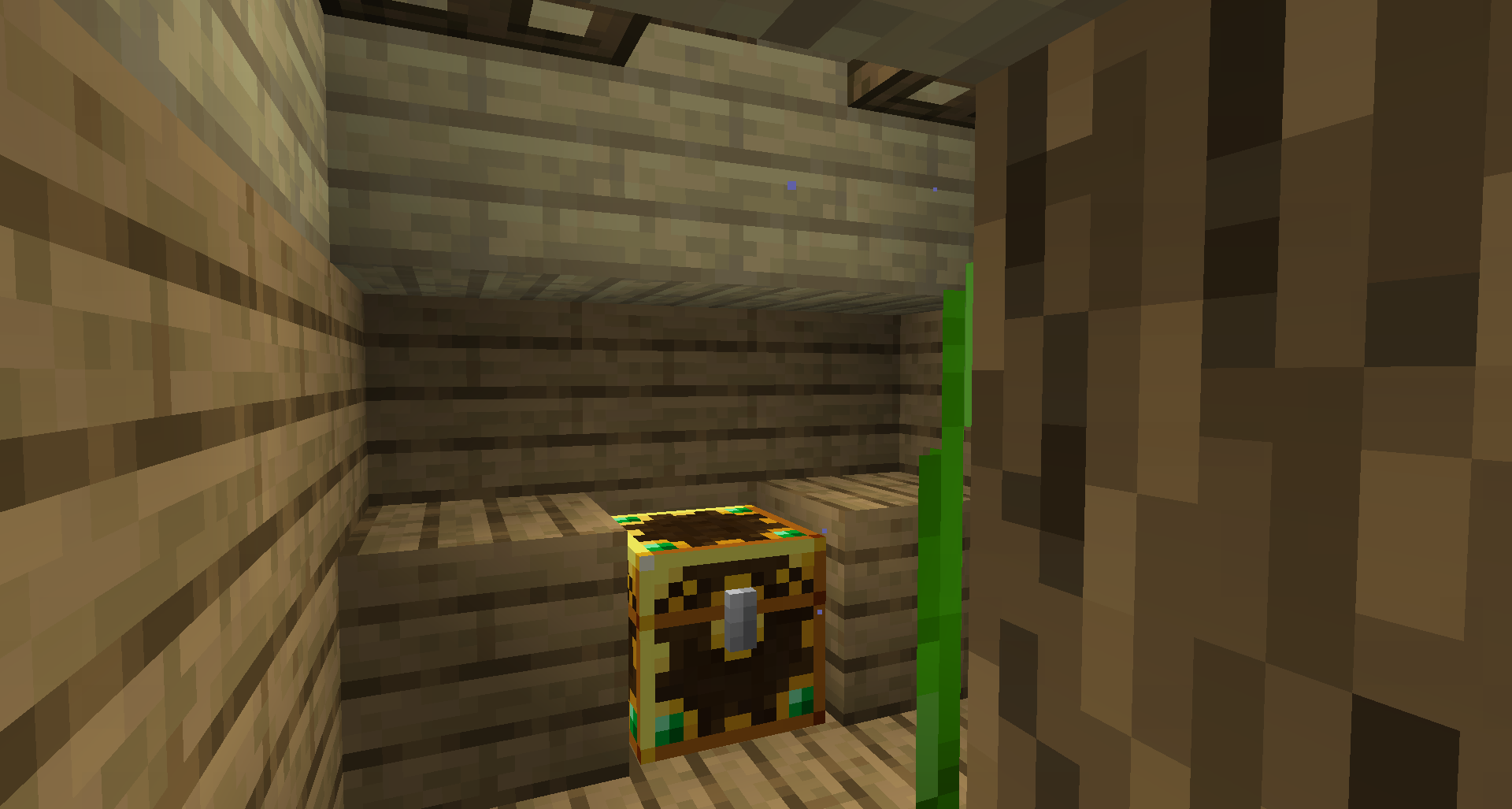
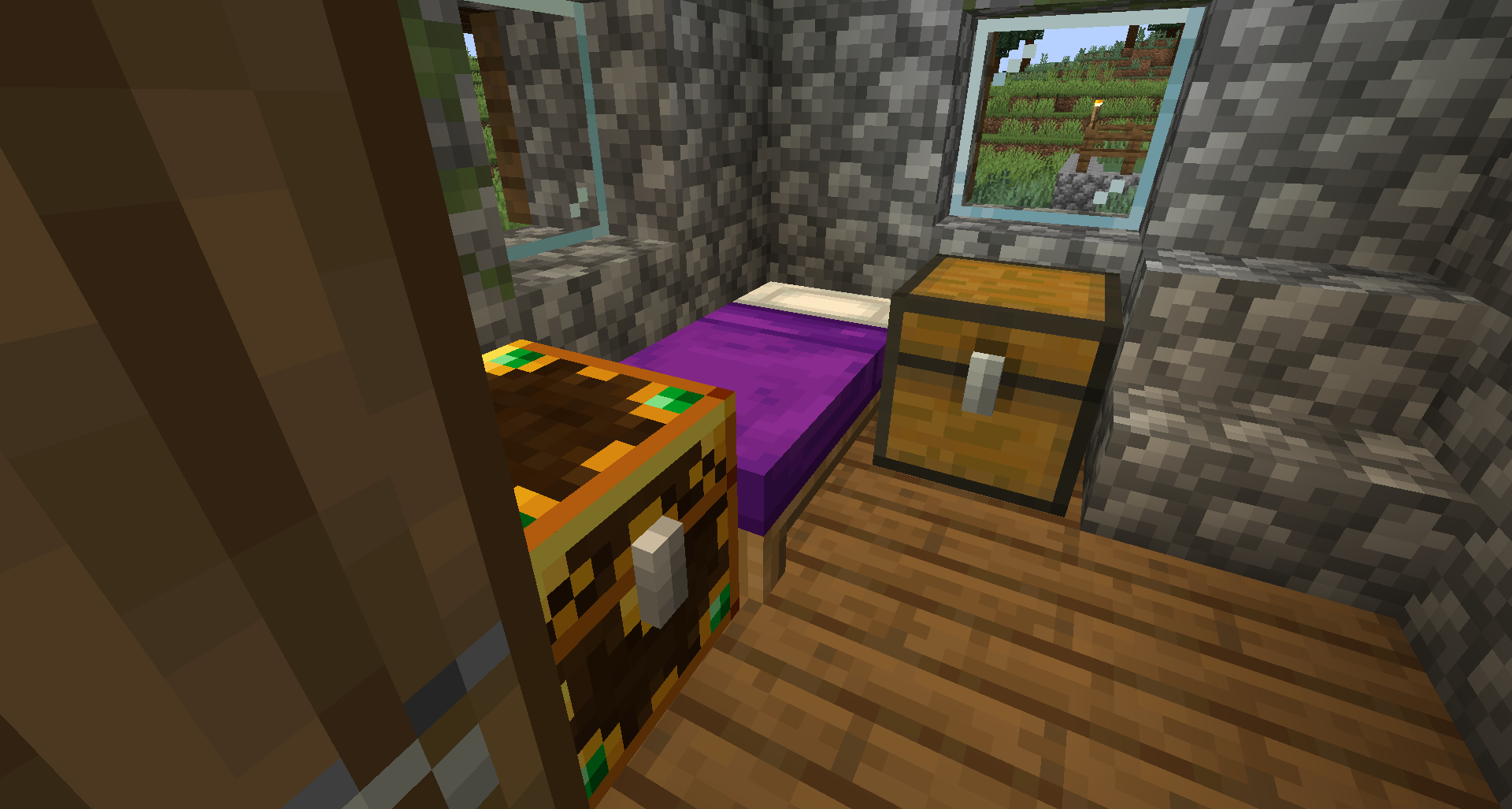
The player can quickly detect if they have opened an auto-generated chest previously, since it will have a blue texture, otherwise the texture will be gold.

I totally recommend installing this mod if you are going to play multiplayer.

  • Screenshot 1: A different loot for every player
1
1
5.0
Precise-ModPacker

Reputation ranks

Explorer 0 pts
Contributor 100 pts
Guide 500 pts
Veteran 1,500 pts
Luminary 4,000 pts

Ranks only ever go up; points can drop but your rank stays.

About reputation ranks
Posted: January 7, 2024 at 1:11:27 AM UTC
MC 1.19
The version(s) the reviewer played
Gameplay
5.0
Aesthetics
5.0
Performance
5.0

This mod solves the "Run out of looted problem", making all the chests since it means that each player has a personalized loot in each of the naturally generated chests, ensuring that the loot never runs out in them.

The player can quickly detect if they have opened an auto-generated chest previously, since it will have a blue texture, otherwise the texture will be gold.

I totally recommend installing this mod if you are going to play multiplayer.

  • Screenshot 1: A different loot for every player
1
1
5.0
Precise-ModPacker

Reputation ranks

Explorer 0 pts
Contributor 100 pts
Guide 500 pts
Veteran 1,500 pts
Luminary 4,000 pts

Ranks only ever go up; points can drop but your rank stays.

About reputation ranks
Posted: January 7, 2024 at 1:11:27 AM UTC
MC 1.19
The version(s) the reviewer played
1
1

Get it on

Available Platforms

Compatibility

Supported Environments

Dev Environment
Client Required
Server Required

About

Project Details

Type
Mod
License
MIT License
Latest Version
lootr-neoforge-1.21.1-1.11.37.122

For authors

Embed Badge

If you're the author of this project, you can embed a live badge anywhere that supports HTML or Markdown. It updates automatically whenever ratings change.

Custom banner text
ModDex rating badge preview

Use HTML for any page that supports it, or Markdown for README files and Markdown-based descriptions.

Identifiers

Platform IDs

CurseForge ID
Modrinth ID

Resources

External Links

Source Issues Wiki Discord

About

Description

Lootr is also available for Fabric!
As of 1.20.4, Lootr is only available for Fabric and NeoForge.
Lootr is required on both servers and clients.
For 1.12.2, MixinBooter is required.

Lootr transforms the way you experience loot in Minecraft. With this mod installed, every player gets their own, individual loot from chests, barrels, shulker boxes and minecarts--no more racing to loot structures or finding containers filled with someone else's trash!

  • Personalized loot: Each player sees unique loot, generated specifically for them.
  • Near-universal: Compatible with almost every feature and structure, Vanilla or modded.
  • Faithful to Vanilla: Utilizes the exact same loot generation code as Vanilla.
  • Server-friendly: Reduces server sizes by removing the need to constantly explore for new structures.
  • Extremely customizable: There are a ton of features that you can read about in the FAQ.

While this video is aimed at 1.16.5, the concepts remain the same for all versions:

Patreon & Discord

You can support me on Patreon!
All support for this mod is available on my Discord. You can also keep up with what I'm doing and get notifications streams! For all other support, please click on "Issues" at the top of this page.

Lootr is required on both servers and clients.

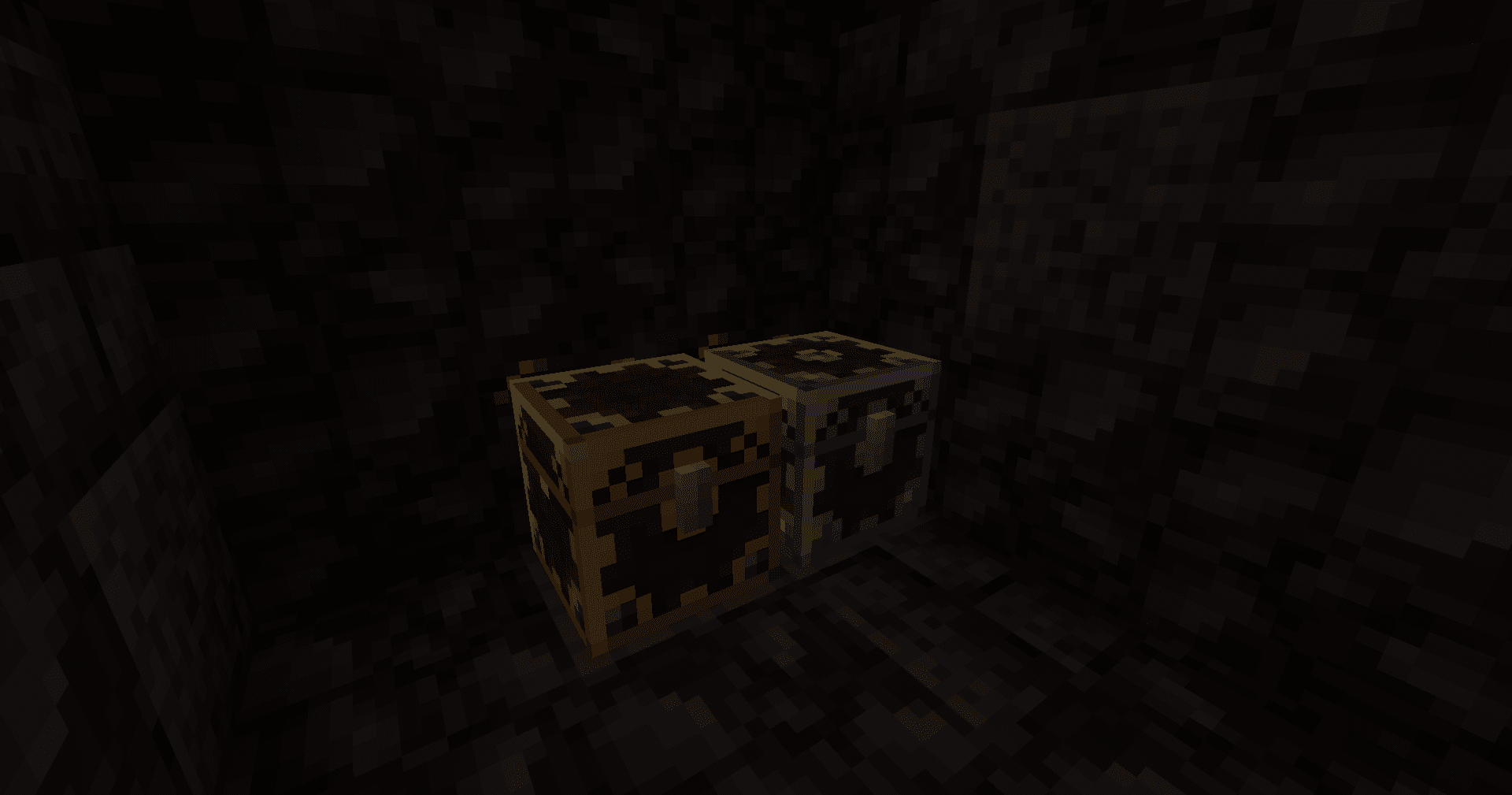
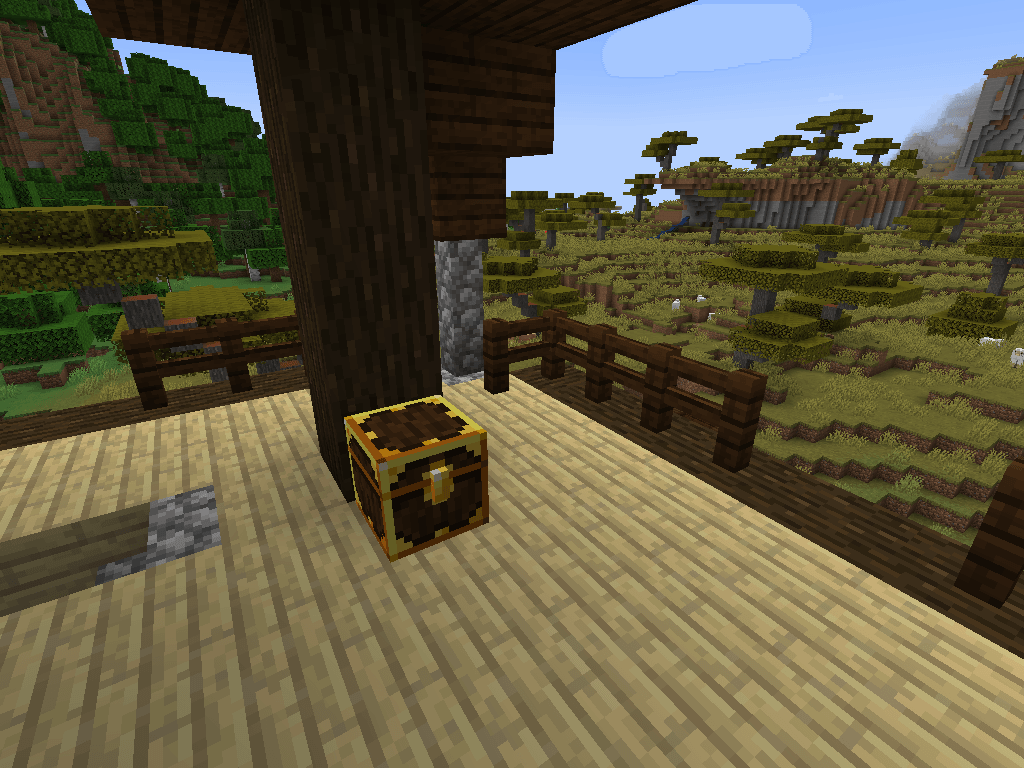
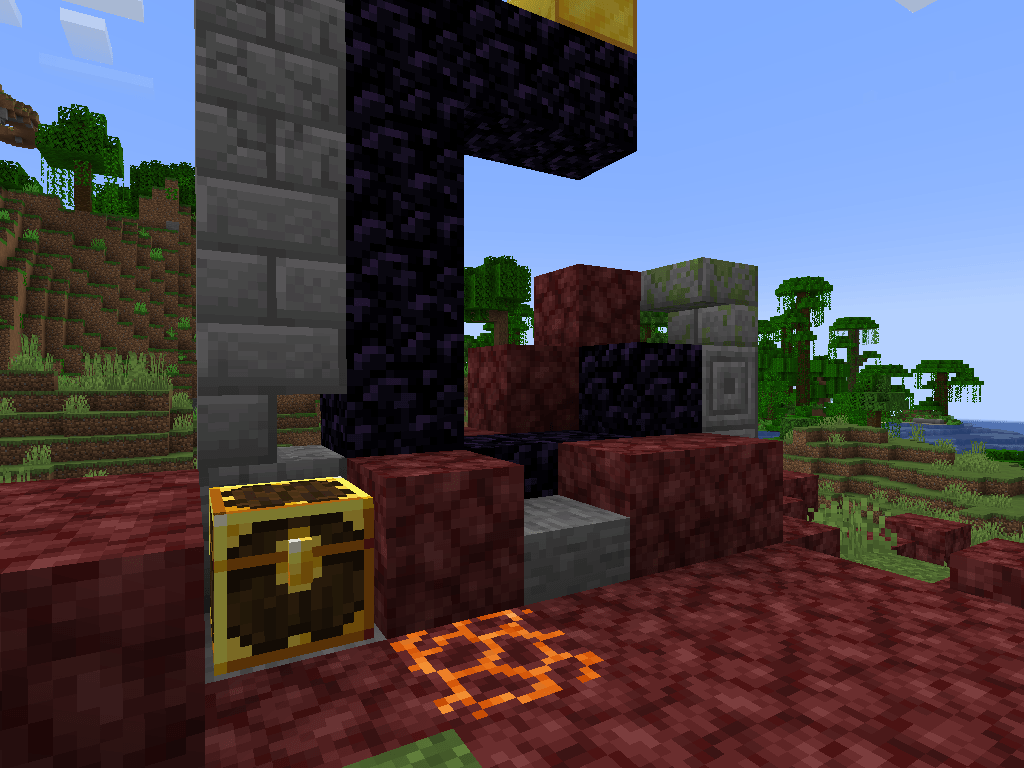
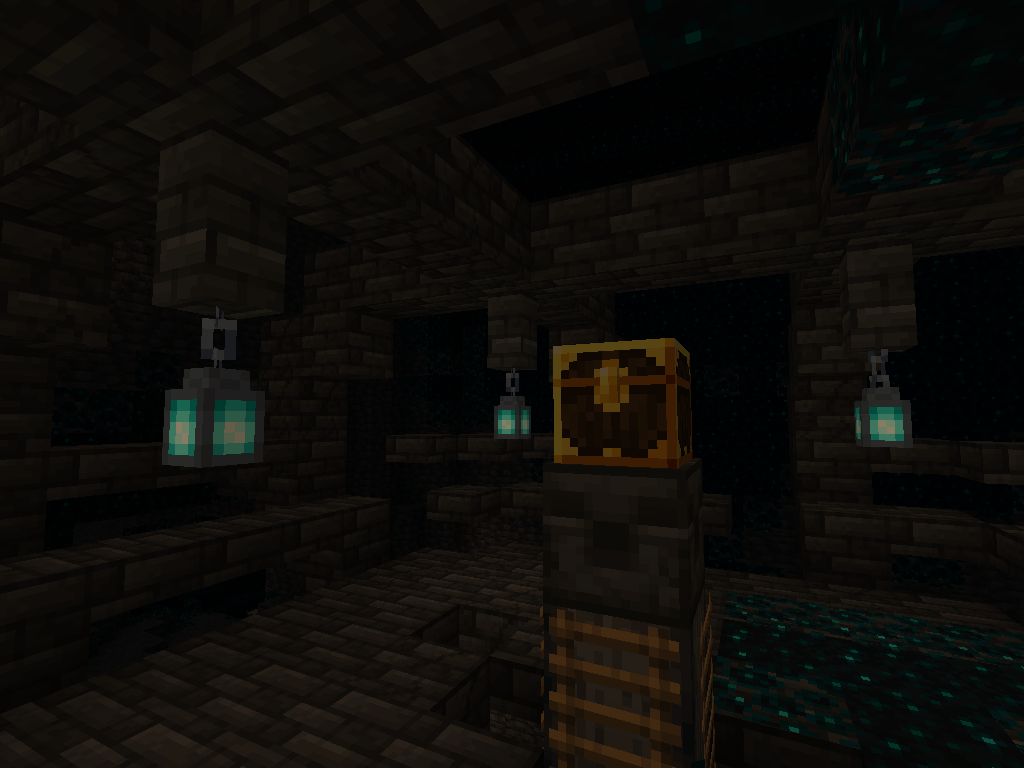
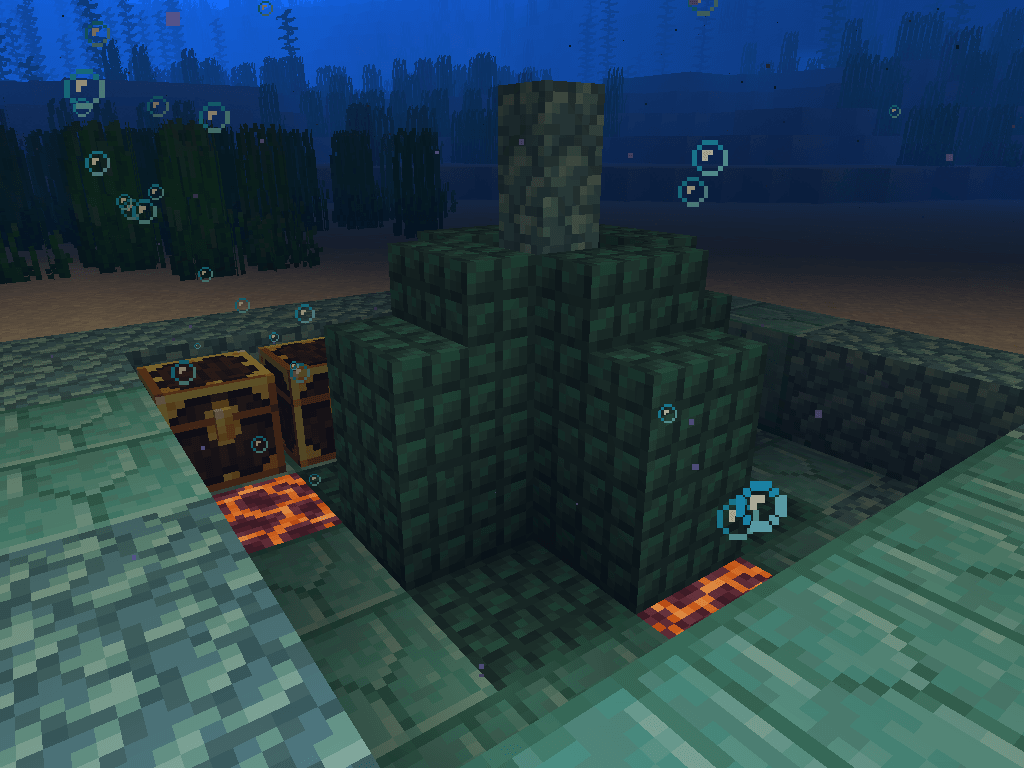
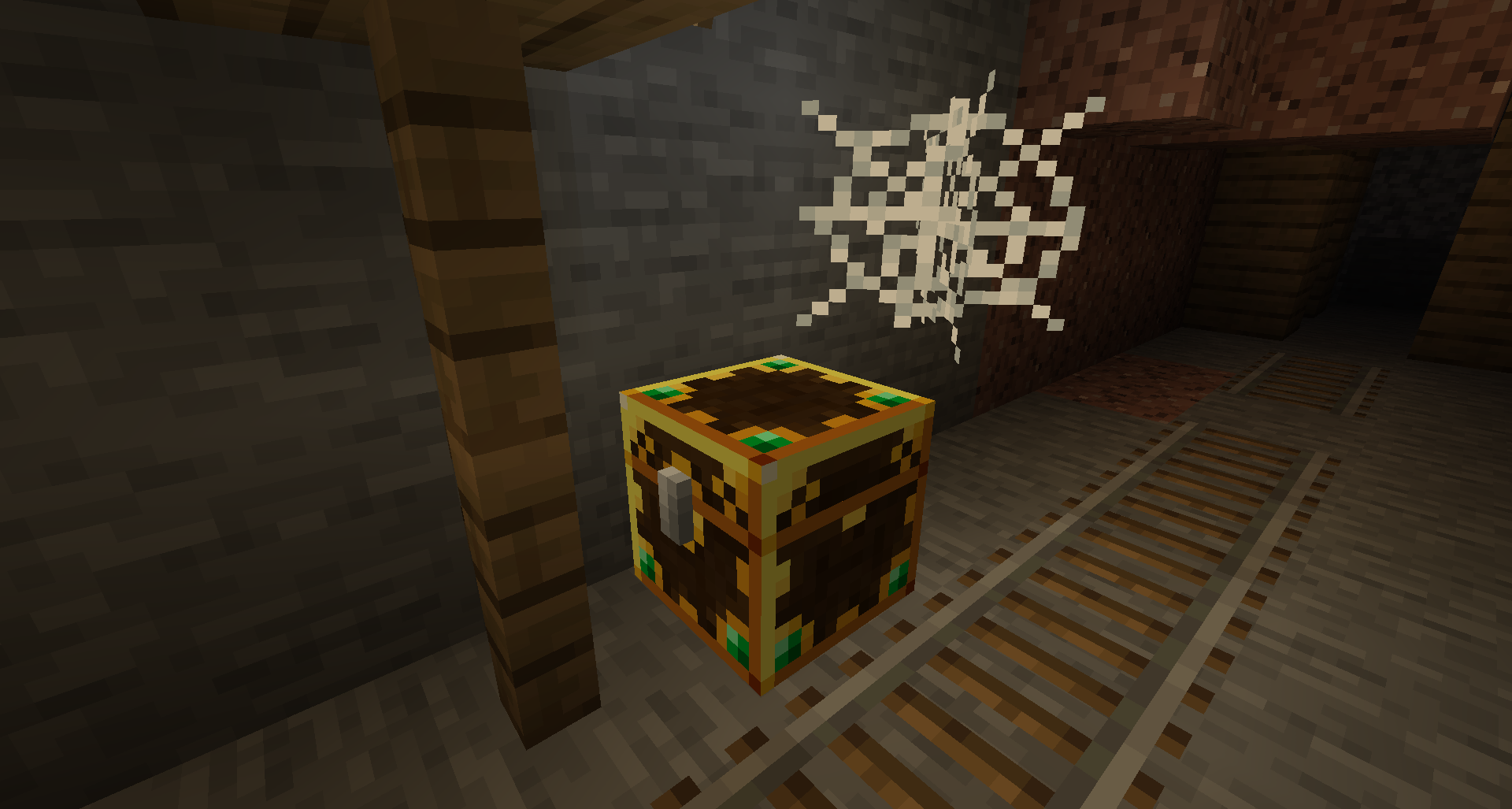
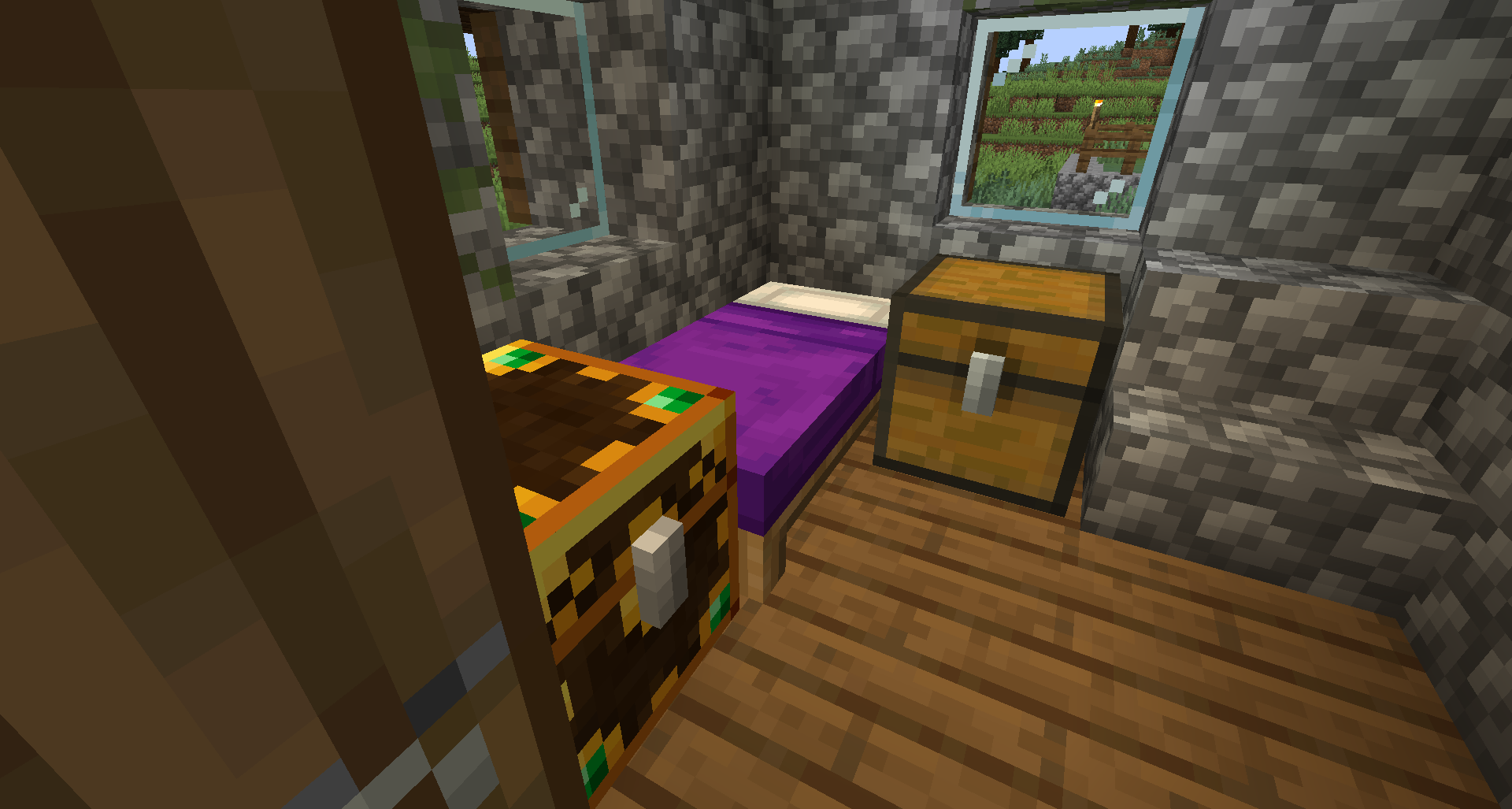
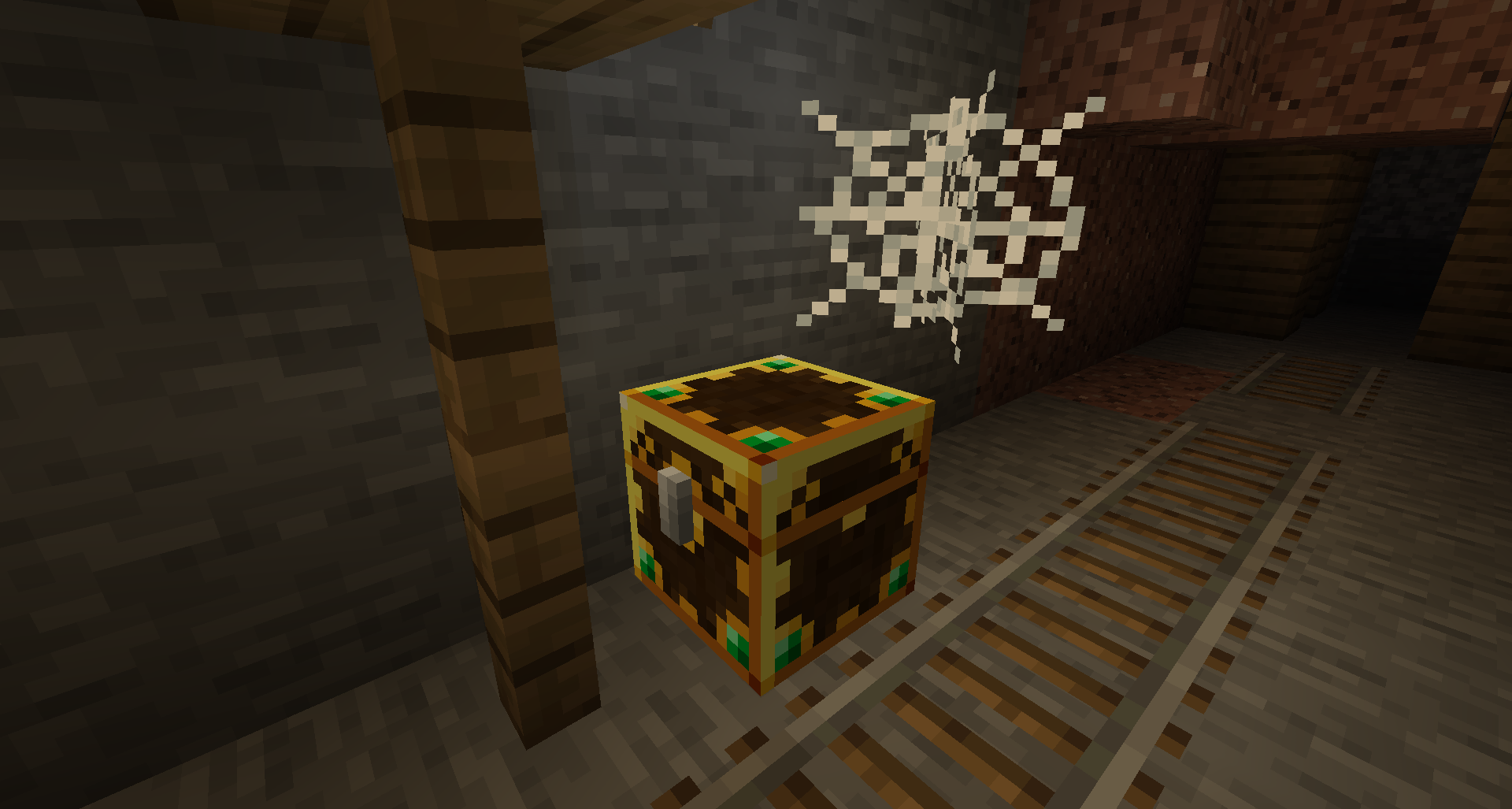
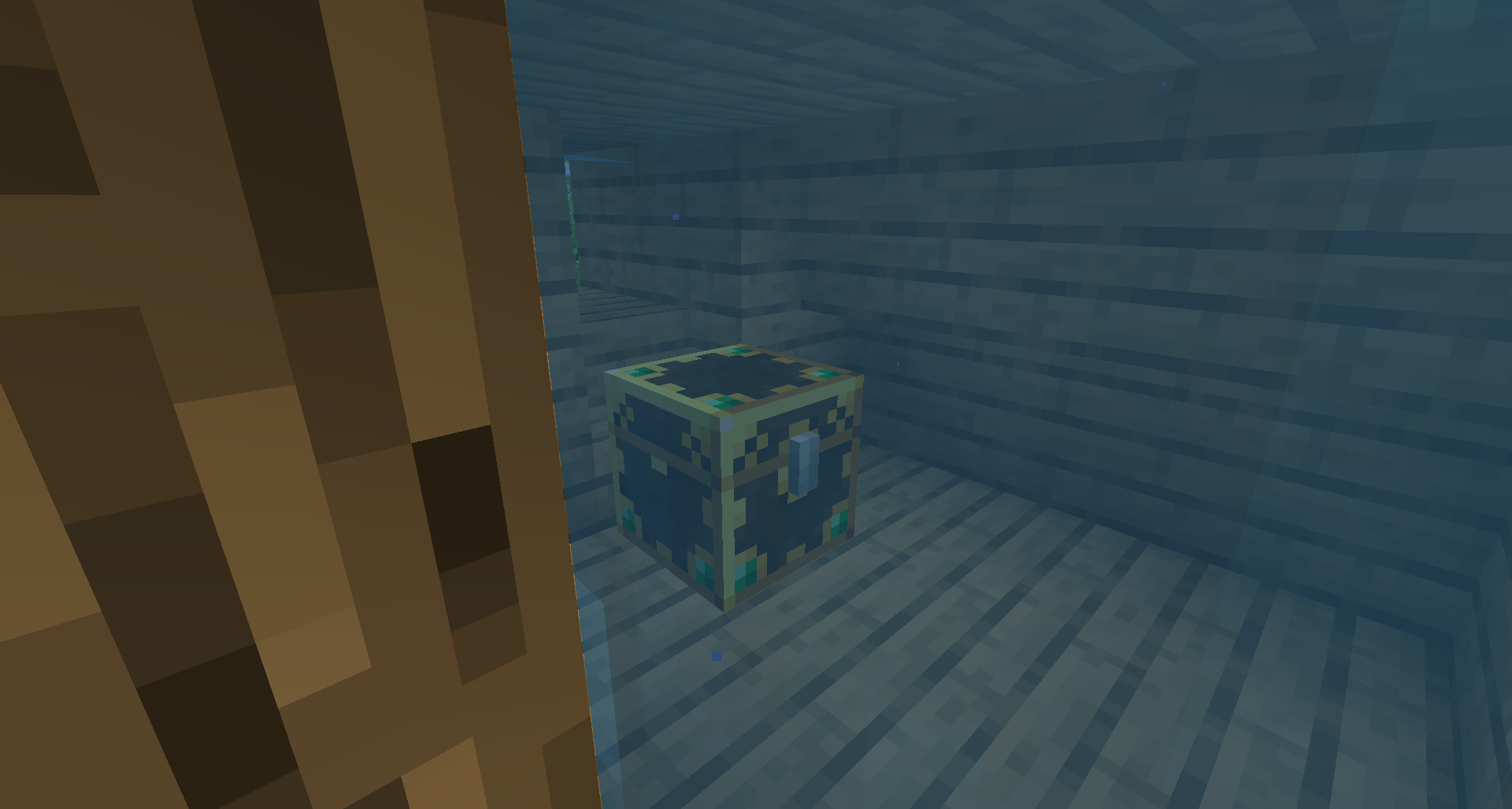
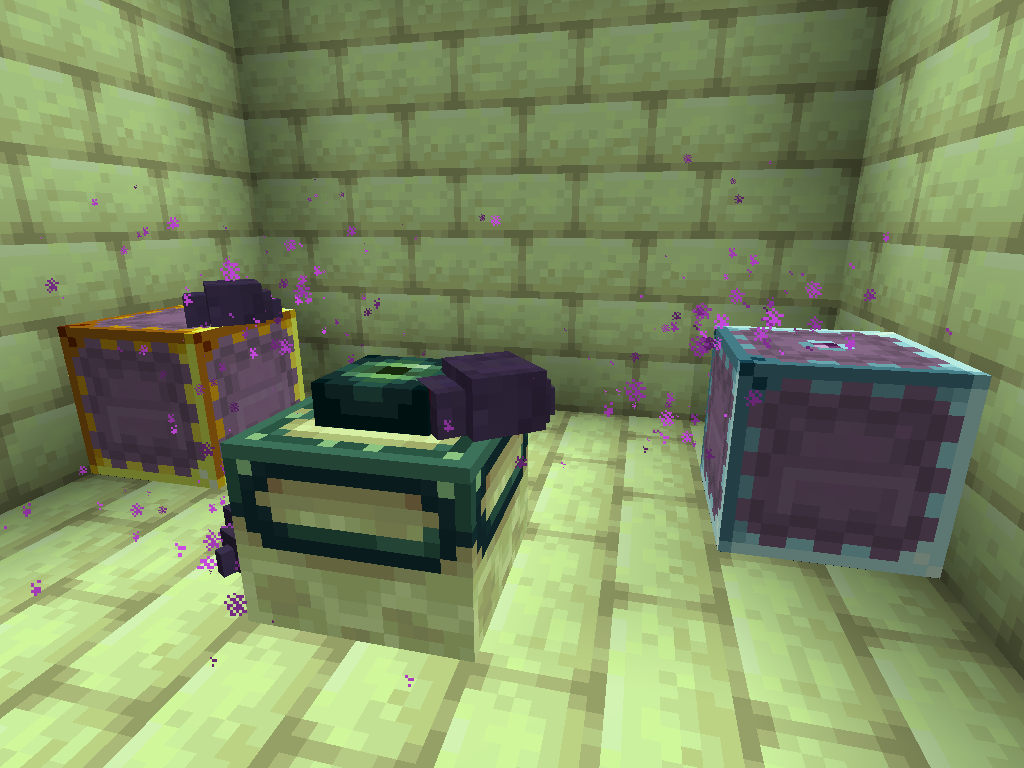
What does it do? Each container that has a loot table (supporting chests, trapped chests, barrels, shulkers and minecarts) creates a unique inventory for each player who opens it! These containers also have a distinct appearance, and their colour changes from gold to blue if a player has already opened the container.

How does this help? There's no longer a race to be the first to discover structures, and you will never open a loot chest and find someone's left-over trash. Most importantly, it encourages players to explore existing structures, rather than generating new chunks, thus reducing world size!

What versions is it available for? For Fabric, it's available for all recent releases since 1.18 and is actively developed for these. For Forge, it's available for 1.12.2, 1.16.5, 1.18, 1.19 and 1.20!

Frequently Asked Questions

Q. How do I get support?
A. You can check out my Discord (linked below) or alternatively create an issue on our GitHub, which can be found by clicking on "Issues" above.


Q. What versions does Lootr support?
A. Currently, Lootr for Forge supports the following versions: 1.18, 1.19/1.19.1/1.19.2, 1.19.3. Please check the "All Files" page if you cannot find a download for the version of Minecraft you are playing.


Q. Is there a server-only version? Can I connect without installing it on the client?
A. No, Lootr is currently required on both the client and the server. If you have experience with plug-in development and are willing to help design a server-only version, please reach out on Discord (link found below).


Q. How do I change what loot is generated with Lootr? How do I include loot from other mods in Lootr containers?
A. This is beyond the scope of the Lootr mod, which simply changes the containers. In all other respects, loot is generated in exactly the same way as Vanilla chests generate it. Modifying loot tables is generally done via data packs, although various mods exist for various versions of Minecraft which do this. I recommend asking in your favourite modded Minecraft Discord or forum!


Q. What about dungeon mods? How do I prevent players from going in and looting everything after it has already been cleared?
A. There are a number of options that help with this:

  • Specific loot tables can be blacklisted, which means that those chests will never be converted. You can also specify simply all loot tables of a certain mod. Likewise, specific dimensions can be blacklisted.
  • Alternatively, you can specify for certain containers (or all containers), determined by their loot table, to "decay". This means that a configurable time after they are first opened, the next time someone attempts to open the container, the block will be destroyed. There also exists the opposite, a system whereby chests will "refresh" (or re-generate their contents) after the configured period of time has elapsed.


Q. How do I prevent players from simply breaking containers?
A. By default, players who attempt to break a container will be given a warning message and a reminder that all containers are available per-player. Players can still break these containers by doing so while sneaking, unless this option is disabled in the configuration.


Q. I don't like the visual appearance of the containers. How can I change this?
A. There is a client-side option that forces containers to use the default Vanilla skin. However, this does mean there is no visual change to indicate if a container has been opened before.


Q. Can I add Lootr to a pre-existing world and have containers be converted?
A. Yes! With one disclaimer: loot containers which were already opened will not be converted. The generation of loot in Minecraft, by default, removes the associated loot table, and there is no way for Lootr to find this information.


Q. The container from <random mod> isn't converting!
A. If the container contains items (or always contains the same items), it is possible that the mod is manually generating loot for it. In this case, there is no way for Lootr to determine a loot table and convert chests. I recommend asking the author of the mod to consider switching to a loot table instead to maintain compatibility! If the container is empty, it is possible that it is merely included for the aesthetic. Otherwise, if you believe there's an issue with conversion, please open an issue on our GitHub tracker or post on Discord. Additional methods for converting containers exist for 1.12.2.

Please note that the "axe chest" in the Vanilla Woodland Mansion does not have an associated loot table and is never converted.


Q. I no longer want Lootr. What happens if I remove it?
A. Unfortunately, removing the mod will also remove all Lootr containers. There is currently no way to undo the conversion process. This means that every Lootr converted container will be removed from your world.

Q. I want to create a "starter" chest with some items in it for everyone in my world, how do I go about this? How do I create my own Lootr container?
A. Lootr also contains "custom" inventories which use the same visual appearance as a chest. Simply create a Vanilla chest, fill it with the items you want available and then, while standing on it, execute the /lootr custom command (this requires operator privileges). 

Q. What else does the /lootr command do?
A. For a full explanation of the command, please check out the Lootr Command page on our GitHub Wiki.

Q. How do I use Lootr in a mod pack, or how do I natively use Lootr in my Mod?
A. For a full explanation of Lootr's features for mod packs, as well as the Lootr API, please check out the Lootr for Developers page on our GitHub Wiki.

Q. What do all the configuration options mean?
A. For a full explanation of Lootr's configuration, please check out the Lootr Configuration page on our GitHub Wiki.

Q. Is there a video I can watch?
A. There sure is! Vallen from Mischief of Mice has graciously created this bit-by-bit video that covers the rough basics of Lootr, although this is from an earlier version of the mod and does not cover all recent additions:

Patreon & Discord

You can support me on Patreon!
All support for this mod is available on my Discord. You can also keep up with what I'm doing and get notifications streams! For all other support, please click on "Issues" at the top of this page.

Screenshots

Gallery

  • Lootr Chest being opened
    Lootr Chest being opened Lootr Chest being opened
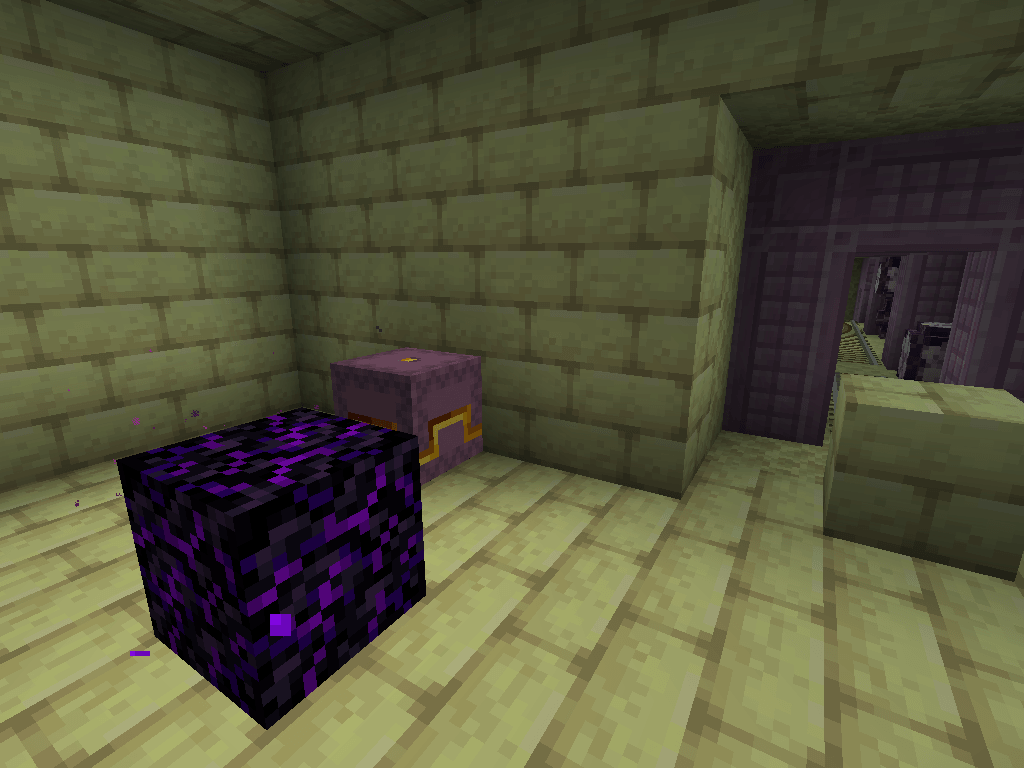
  • Lootr Shulker
    Lootr Shulker Lootr Shulker
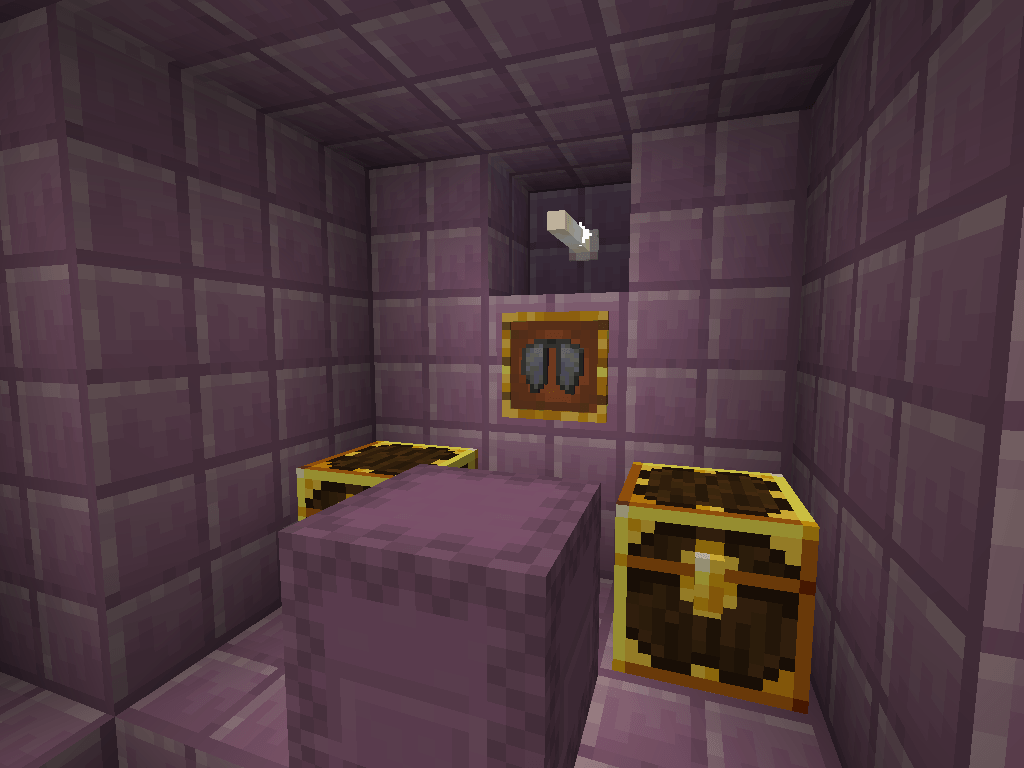
  • Lootr Item Frame
    Lootr Item Frame Lootr Item Frame with Elytra in End Ship
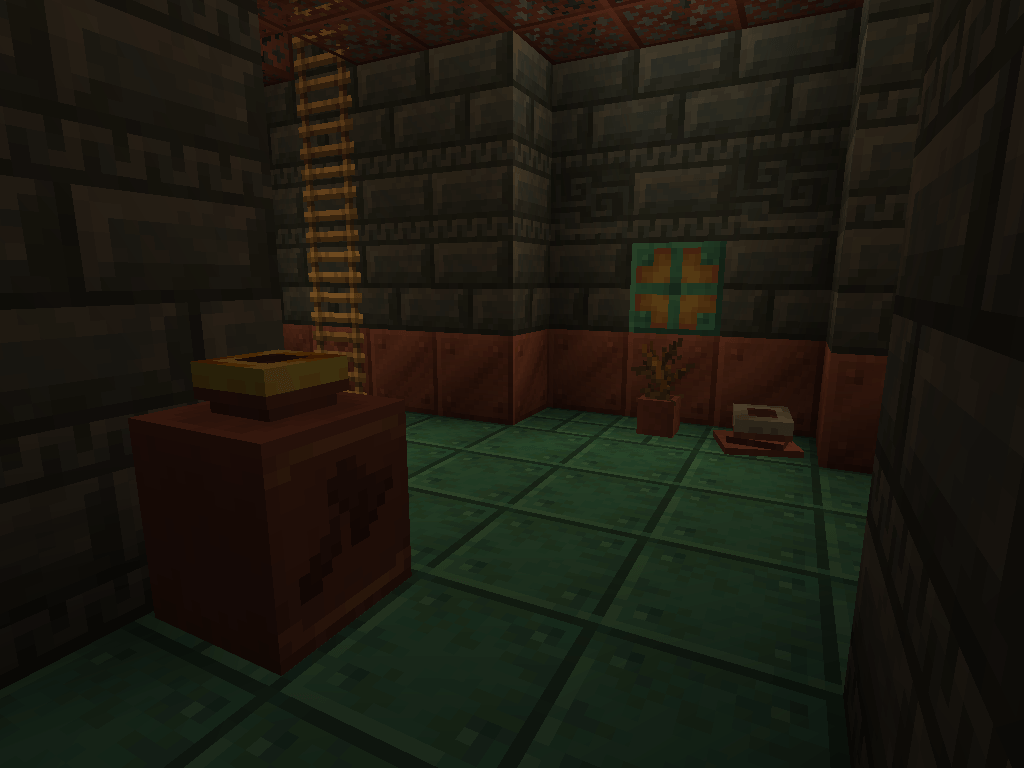
  • Lootr Pots
    Lootr Pots Lootr Decorated Pots (foreground) and previously opened (background)
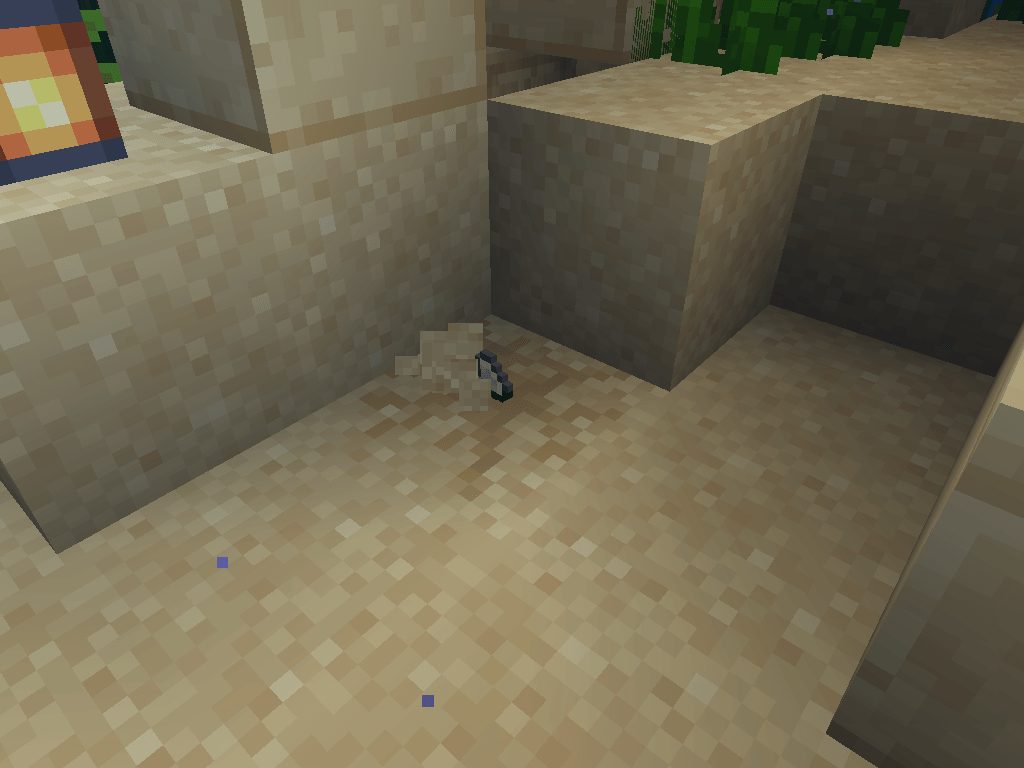
  • Lootr Suspicious Sand being dug
    Lootr Suspicious Sand being dug Lootr Suspicious Sand being dug
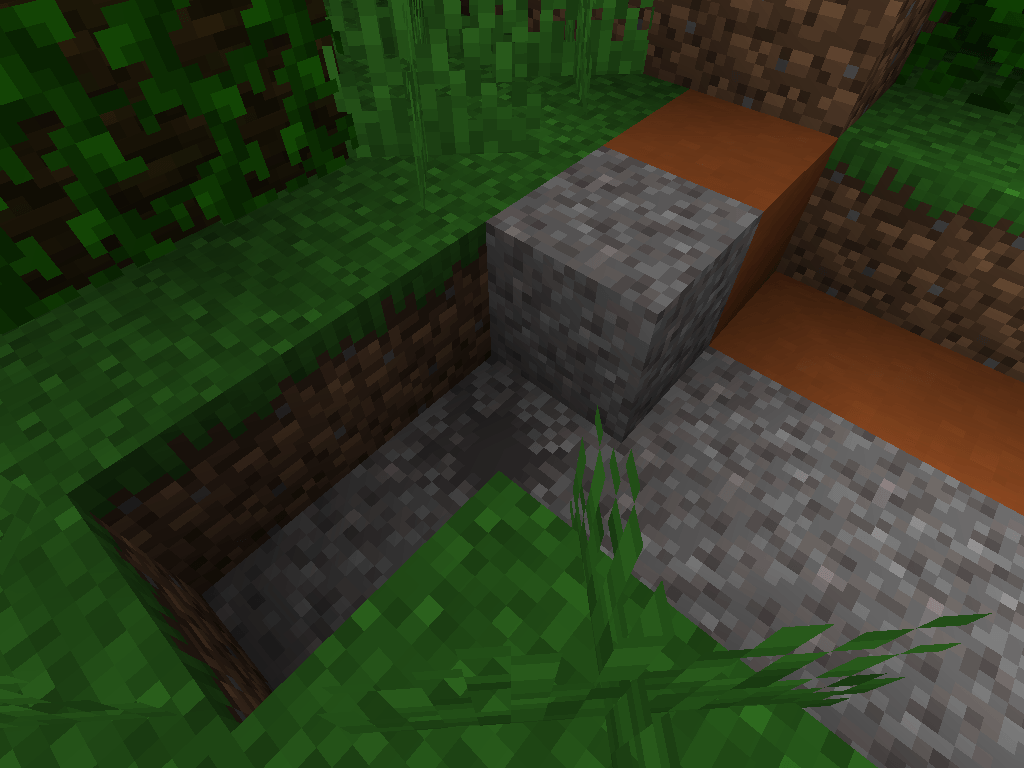
  • Lootr Suspicious Gravel opened
    Lootr Suspicious Gravel opened Lootr Suspicious Gravel opened previously by this player
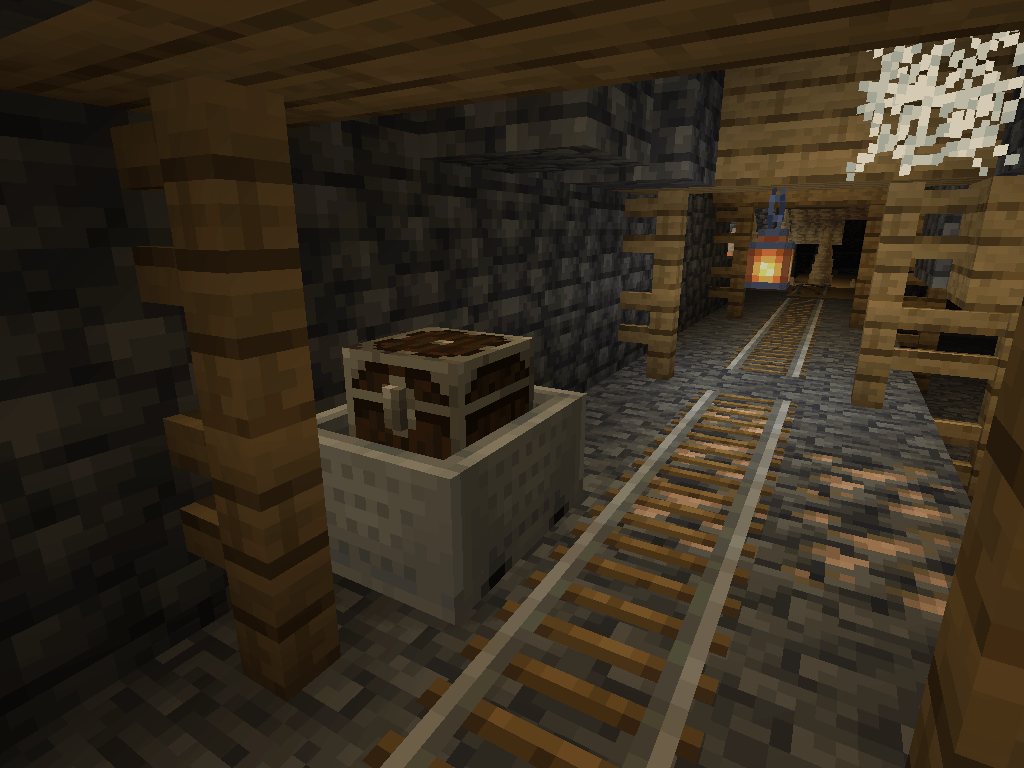
  • Minecart with Lootr Chest (previously opened)
    Minecart with Lootr Chest (previously opened) Minecart with Lootr Chest (previously opened by the current player)
  • Lootr Barrels
    Lootr Barrels Lootr Barrels
  • Lootr Chest in Pillager Tower
    Lootr Chest in Pillager Tower Lootr Chest in Pillager Tower
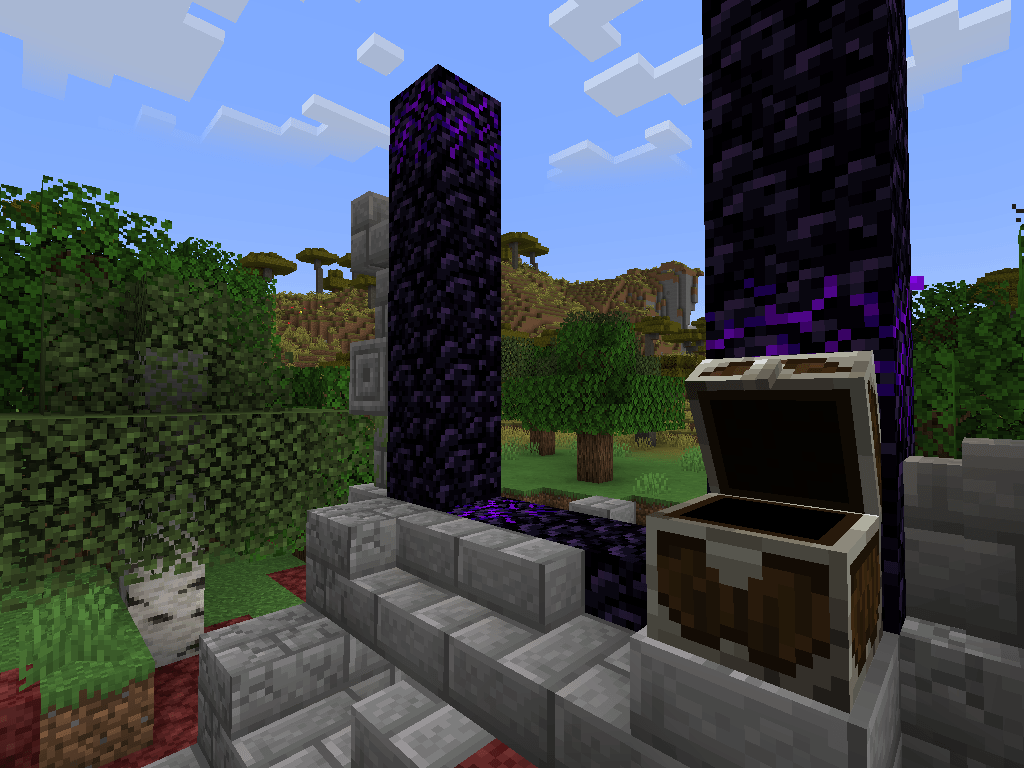
  • Lootr Chest at Ruined Portal
    Lootr Chest at Ruined Portal Lootr Chest at Ruined Portal
  • Lootr Chest in Ancient City
    Lootr Chest in Ancient City Lootr Chest in Ancient City
  • Underwater Lootr Chest
    Underwater Lootr Chest Underwater Lootr Chest
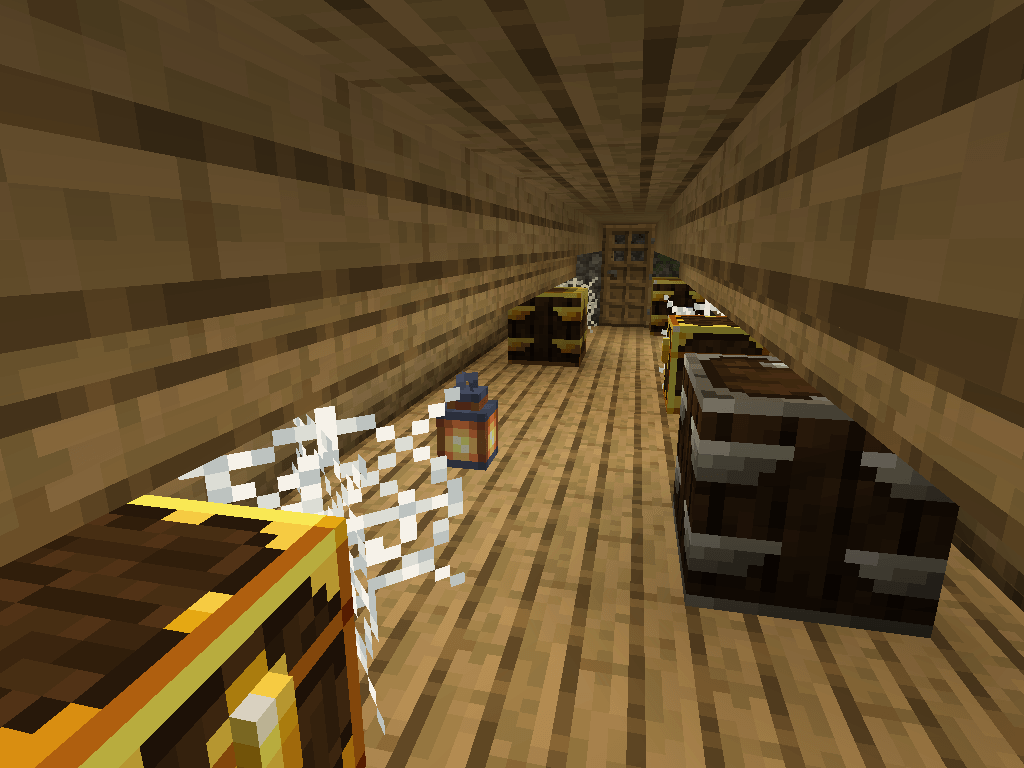
  • Mineshaft lootr chest!
    Mineshaft lootr chest!
  • An underwater underwater Lootr chest!
    An underwater underwater Lootr chest!
  • Loot Shulker
    Loot Shulker An unopened Loot shulker near an opened Loot shulker.
  • Underwater lootr chest!
    Underwater lootr chest!
  • Lootr Chest with nearby Normal Chest
    Lootr Chest with nearby Normal Chest
  • Mineshaft lootr chest!
    Mineshaft lootr chest!
  • An underwater underwater Lootr chest!
    An underwater underwater Lootr chest!
  • Underwater lootr chest!
    Underwater lootr chest!
  • Loot Shulker
    Loot Shulker An unopened Loot shulker near an opened Loot shulker.
  • Lootr Chest with nearby Normal Chest
    Lootr Chest with nearby Normal Chest
  • Screenshot 1: A different loot for every player
    Screenshot 1: A different loot for every player

Versions

Files

Relations

Project Relations

More like this

Similar Mods

Suggestions use data such as tags, dependencies, dependents, descriptions, titles, and more to rank how much they overlap with this mod.

On ModDex

Community snapshot

8
Ratings
0
Followers
5
In stacks

By the numbers

Statistics

172m
Total Downloads
CurseForge
152.8m
Modrinth
19.2m
Last Updated
CurseForge
Created
CurseForge
Modrinth
Last synced
When ModDex last fetched and imported data for this project from CurseForge or Modrinth. High-traffic and active projects are checked more often.
Next pipeline sync