Community listing page, reviews here may not be monitored by the author.
TACZ Turrets


No reviews yet
Simple automated turrets for TACZ guns!

Community voices
Reviews
No reviews yet. Be the first to review this project!
Get it on
Available Platforms
Compatibility
Supported Environments
Must be installed on both the client and the server.
About
Project Details
For authors
Embed Badge
If you're the author of this project, you can embed a live badge anywhere that supports HTML or Markdown. It updates automatically whenever ratings change.
Use HTML for any page that supports it, or Markdown for README files and Markdown-based descriptions.
Identifiers
Platform IDs
About
Description

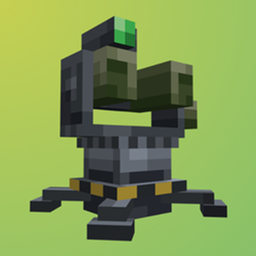
Turrets that fire guns from TACZ. Give a turret a TACZ gun and some ammo, and it will fire at enemies.
Dependencies
TACZ
GeckoLib
SmartBrainLib
Architectury API
Controls
- Place it by right-clicking a block. Use the bottom of a block to hang the turret upside down from the ceiling.
- Open it by right-clicking the turret. Put a gun in the gun slot and ammo in the slots below it.
- Pick it up by crouching and right-clicking. You get the turret back with its gun and ammo.
- Repair it*by right-clicking with iron bars.
A turret standing on a chest, barrel or any other item storage takes matching ammo from it when it runs out.
GUI
- Power: Always On, Redstone On, Redstone Off or Always Off.
- Mode: Aggressive fires as fast as the gun allows. Conservative spaces its shots out to save ammo. Adaptive saves ammo at range and switches to Aggressive when a target gets close.
- Players: Never Target, Retaliate (only players who hurt it) or Always Target. Allies are never targeted.
- Allies: click an online player in the list to make them an ally of the owner, and click again to remove them.
The status light shows what the turret is doing:
| Light | Meaning |
|---|---|
| Green | Ready |
| Yellow | Reloading |
| Bright red | Out of ammo |
| Dark red | No gun |
| Off | Switched off |
Allies
Turrets do not target their owner or the owner's allies. Allies come from:
- the allies list in the turret screen
- /turret trust <players>, /turret untrust <players> and /turret trusted
- vanilla teams
- FTB Teams parties and allies.
- Open Parties and Claims parties and allied parties.
Allies can also open and manage your turrets. Turn that off with `alliesHavePerms`.
Turret models
Each player can pick how turrets look for them with modelType in tacz_turrets-client.toml. This is purely cosmetic.
Config
- tacz_turrets-common.toml on 1.20.1, or tacz_turrets-server.toml in each world's serverconfig folder on 1.21.1: range, health, armor, ammo use, accuracy, who turrets target and can damage, repair items, healing, sounds, and FE power (off by default; turrets pull FE from the block they stand on when it's on).
- tacz_turrets-client.toml: turret model, health bar style and color and recoil animation.
The entity tags tacz_turrets:turret_targets and tacz_turrets:turret_ignored add mobs turrets always or never target.
Credits
Huge thanks to Corrinedev for making TACZ NPCs, which was a big help for seeing how things work.



Turrets that fire guns from TACZ. Give a turret a TACZ gun and some ammo, and it will fire at enemies.
Dependencies
Controls
- Place it by right-clicking a block. Use the bottom of a block to hang the turret upside down from the ceiling.
- Open it by right-clicking the turret. Put a gun in the gun slot and ammo in the slots below it.
- Pick it up by crouching and right-clicking. You get the turret back with its gun and ammo.
- Repair it*by right-clicking with iron bars.
A turret standing on a chest, barrel or any other item storage takes matching ammo from it when it runs out.
GUI
- Power: Always On, Redstone On, Redstone Off or Always Off.
- Mode: Aggressive fires as fast as the gun allows. Conservative spaces its shots out to save ammo. Adaptive saves ammo at range and switches to Aggressive when a target gets close.
- Players: Never Target, Retaliate (only players who hurt it) or Always Target. Allies are never targeted.
- Allies: click an online player in the list to make them an ally of the owner, and click again to remove them.
The status light shows what the turret is doing:
- Green -> Ready
- Yellow -> Reloading
- Bright red -> Out of ammo
- Dark red -> No gun
- Off -> Switched off
Allies
Turrets do not target their owner or the owner's allies. Allies come from:
- the allies list in the turret screen
- /turret trust , /turret untrust and /turret trusted
- vanilla teams
- FTB Teams parties and allies.
- Open Parties and Claims parties and allied parties.
Allies can also open and manage your turrets. Turn that off with alliesHavePerms.
Turret models
Each player can pick how turrets look for them with modelType in tacz_turrets-client.toml. This is purely cosmetic.
Config
- tacz_turrets-common.toml on 1.20.1, or tacz_turrets-server.toml in each world's serverconfig folder on 1.21.1: range, health, armor, ammo use, accuracy, who turrets target and can damage, repair items, healing, sounds, and FE power (off by default; turrets pull FE from the block they stand on when it's on).
- tacz_turrets-client.toml: turret model, health bar style and color and recoil animation.
The entity tags tacz_turrets:turret_targets and tacz_turrets:turret_ignored add mobs turrets always or never target.
Credits
Huge thanks to Corrinedev for making TACZ NPCs, which was a big help for seeing how things work.
Screenshots
Gallery
-
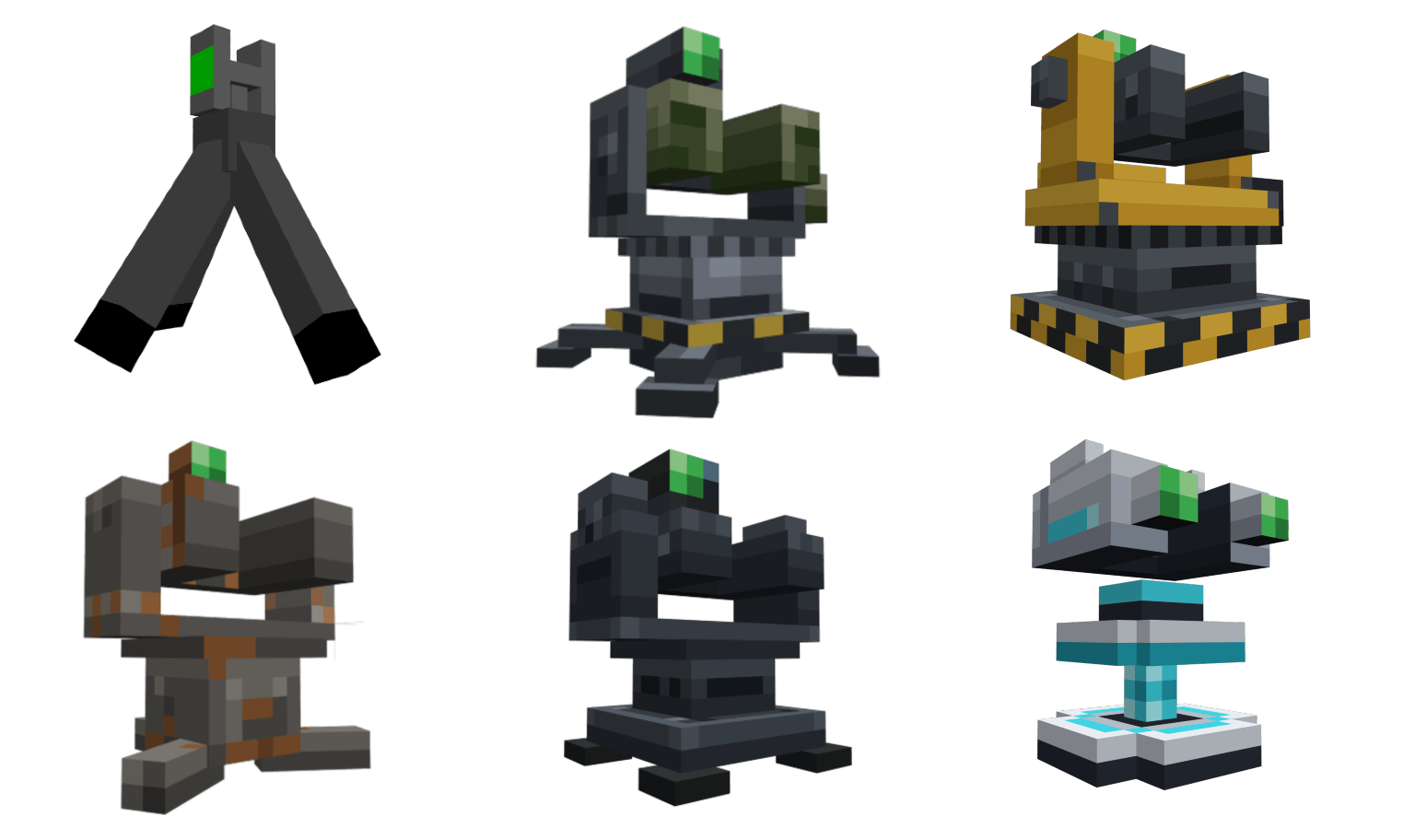 All turret models
 -
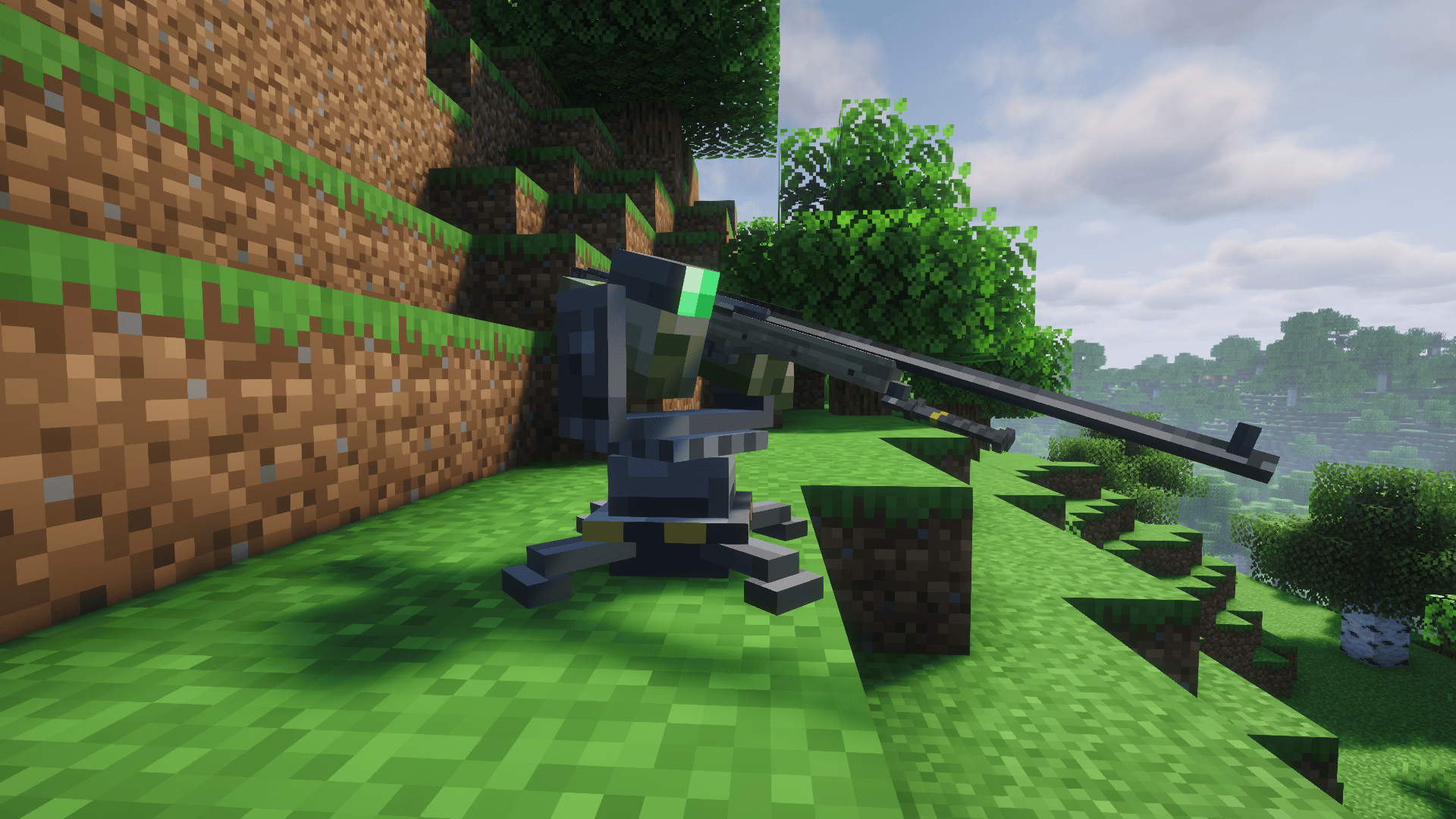 Turret with sniper
 -
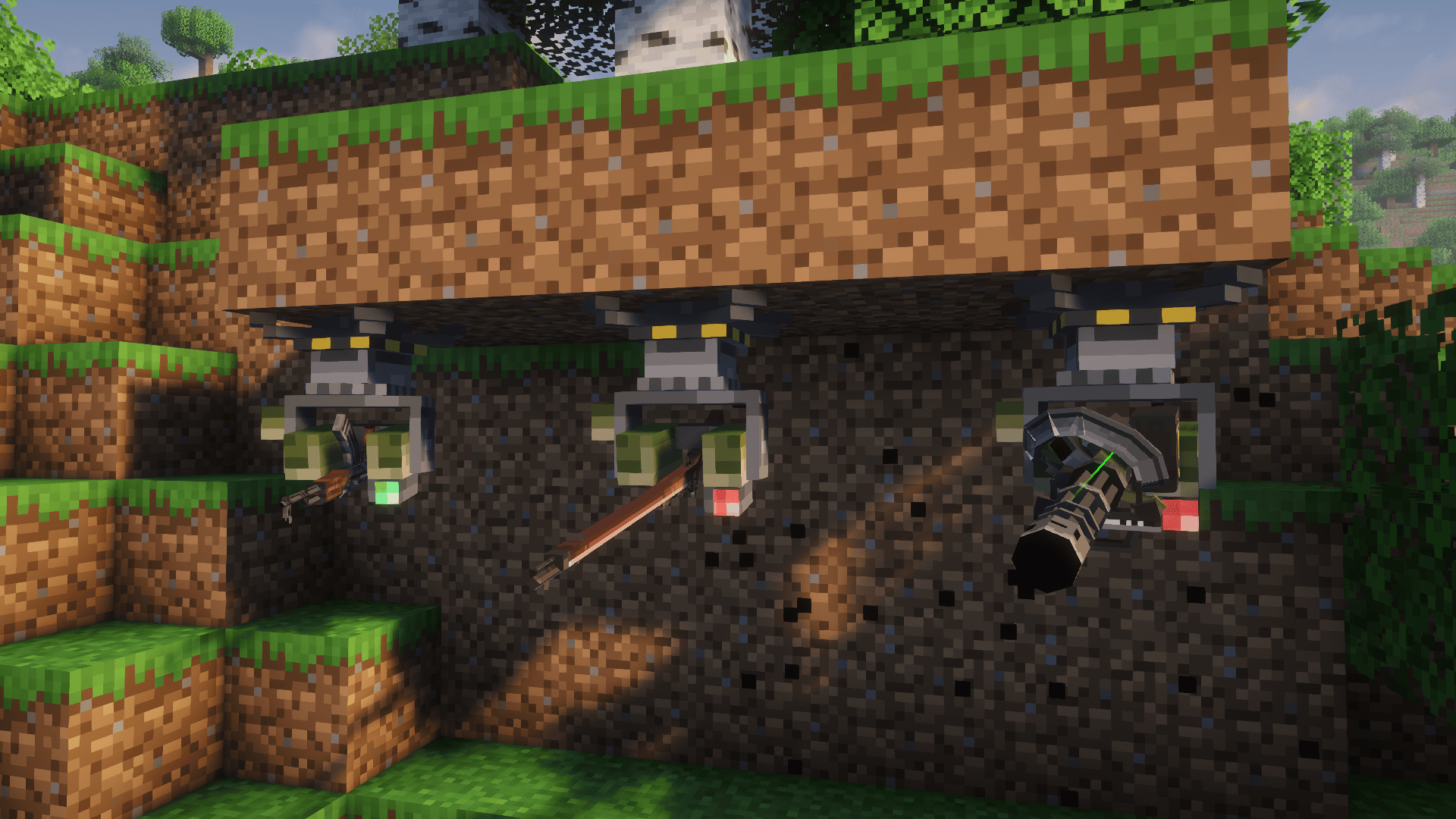 Upside down turrets
 -
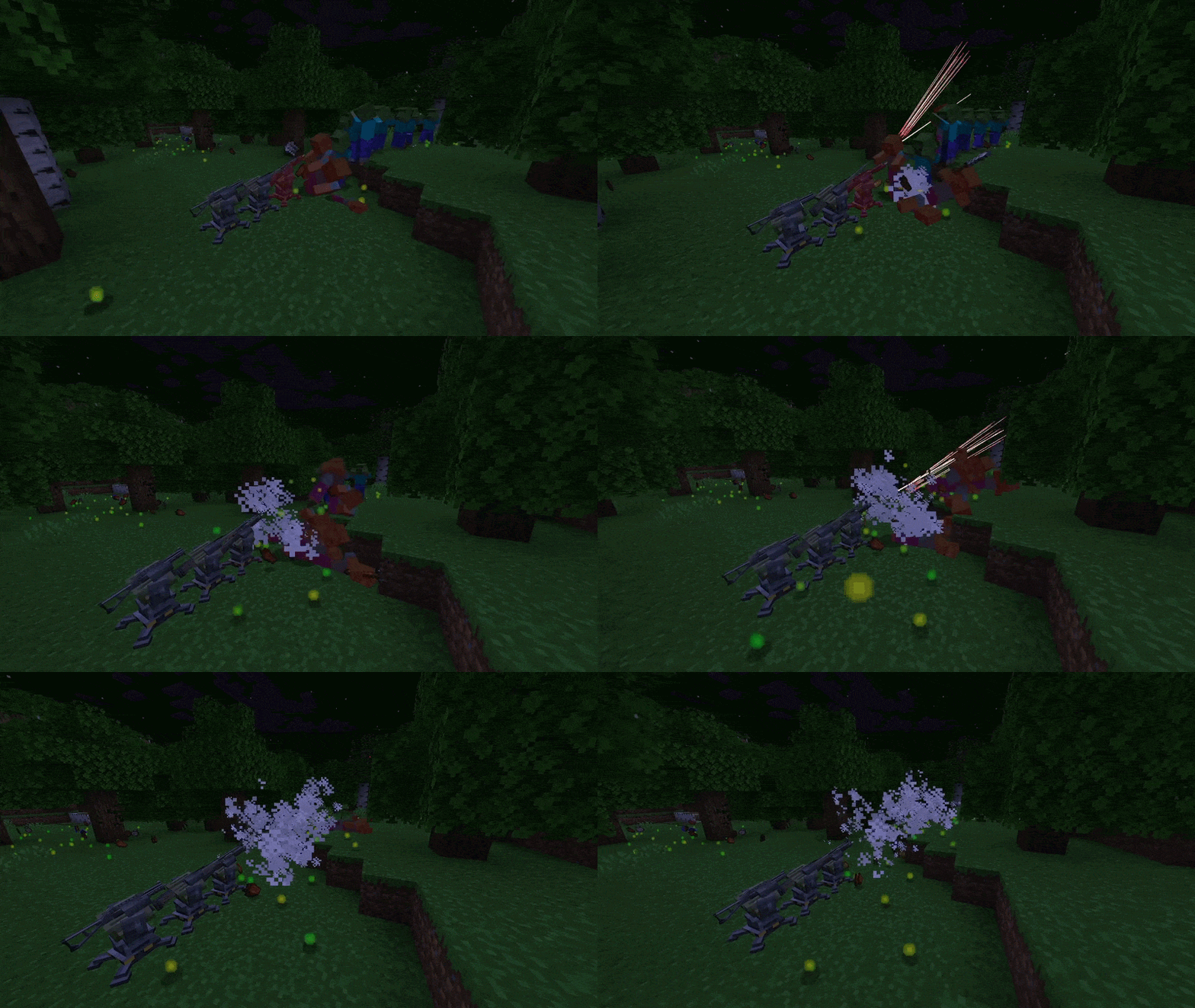 Turrets shooting
 -
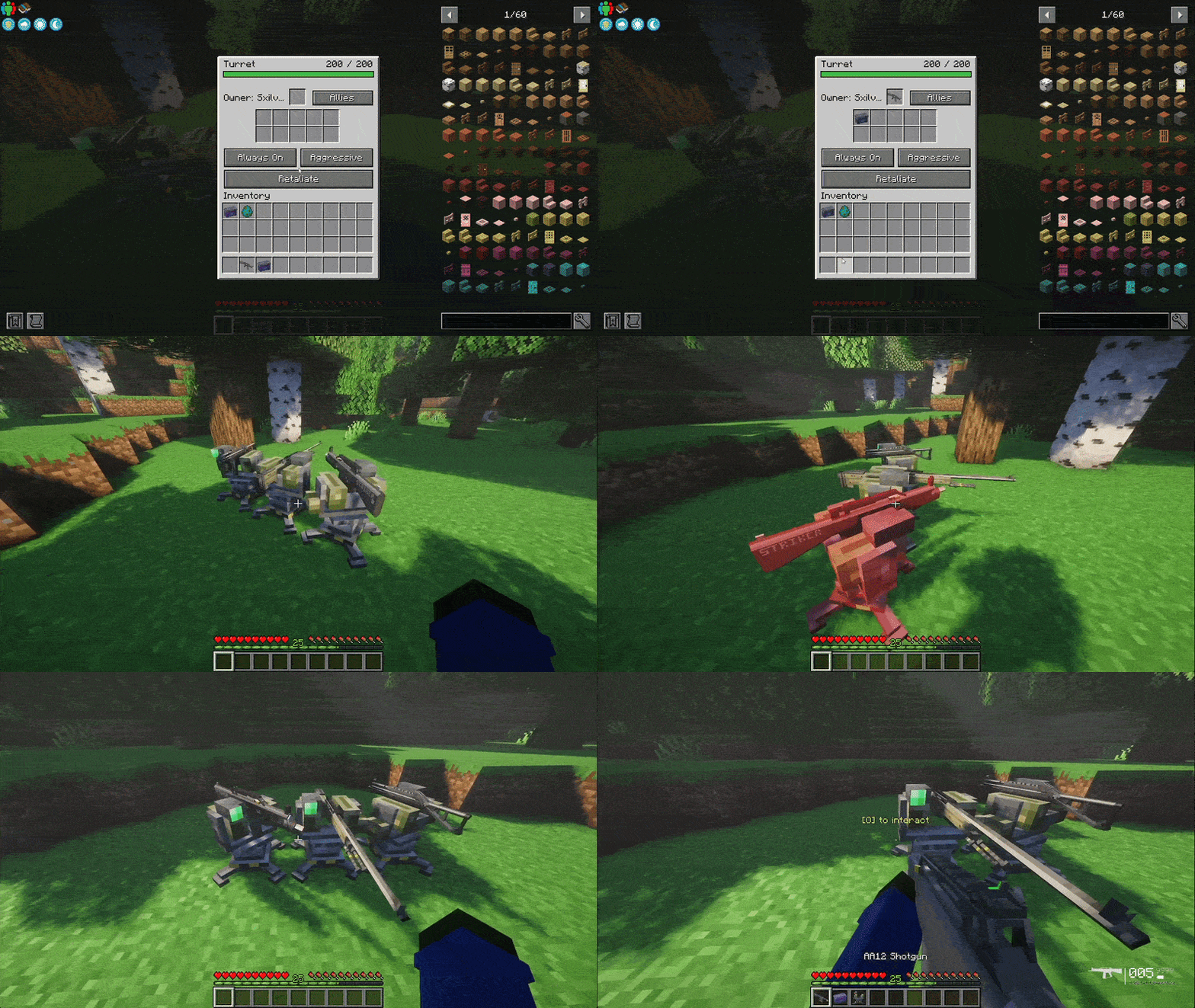 Turrets preview
 -
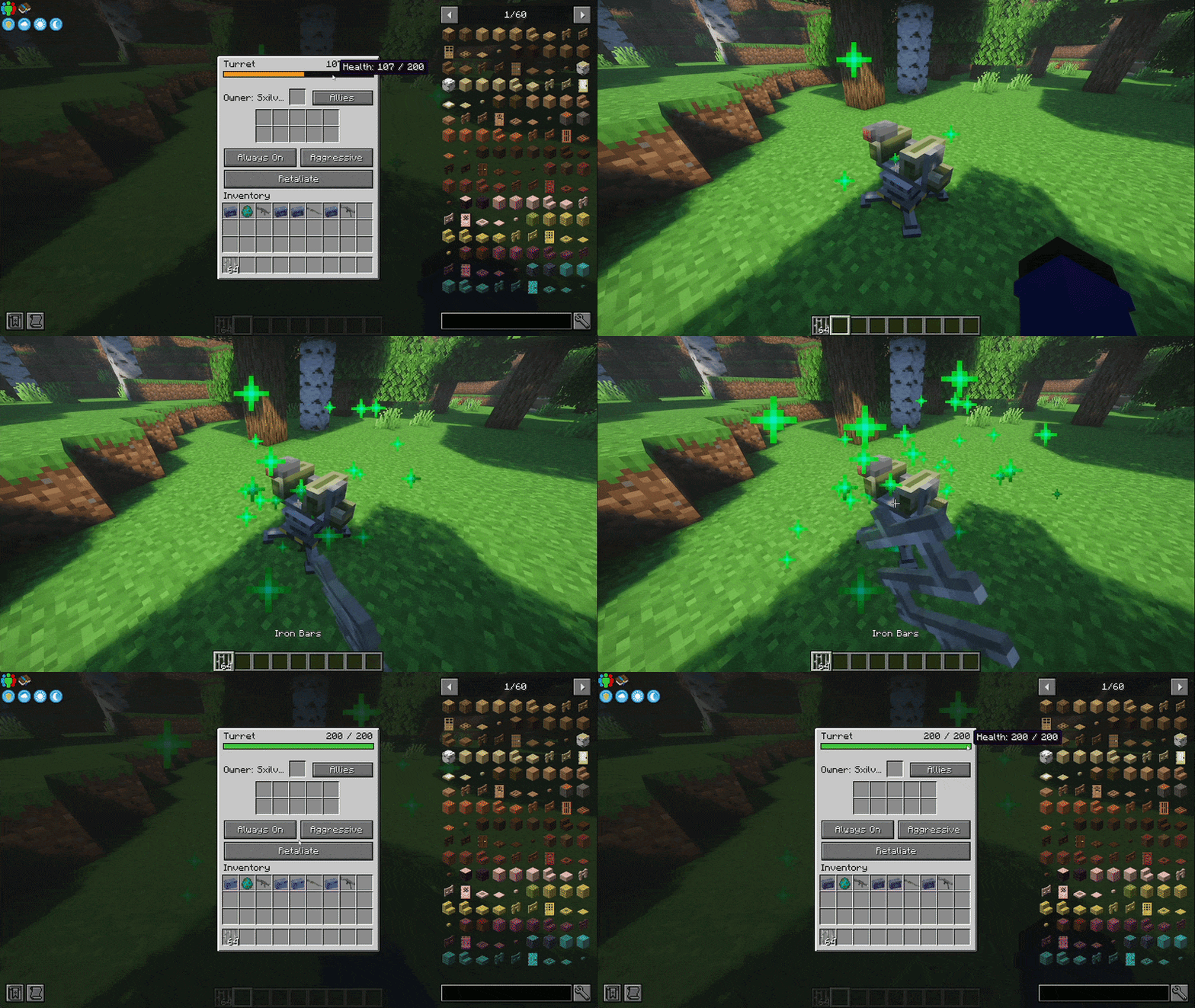 Repairing turret
 -
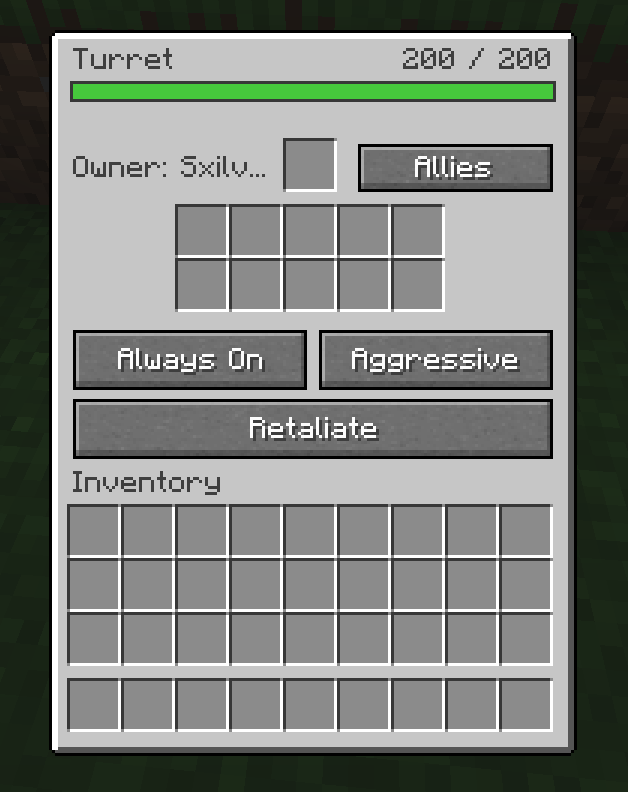 Turret GUI
 -
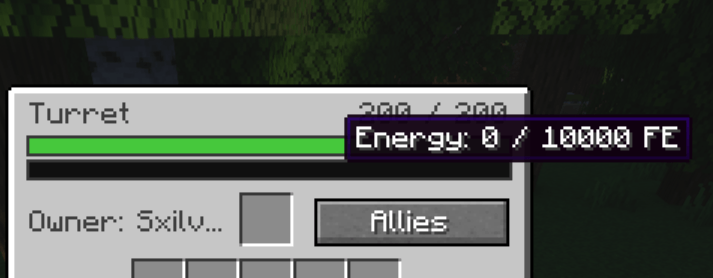 Option power requirement
-
 Turrets preview
 -
 All the models
 -
 Turret GUI
 -
 Repairing turret
 -
 Turrets shooting
 -
 Upside down turrets
 -
 Turret with sniper
 -
 Option power requirement
Versions
Files
Relations
Project Relations
More like this
Similar Mods
Suggestions use data such as tags, dependencies, dependents, descriptions, titles, and more to rank how much they overlap with this mod.
- Create: Immersive Armorer Integration
- Create: Immersive Tacz Integration
- Turret TaCZ Addon
- [TaCZ] Timeless and Classics Zero Guns
- TaCZ addon
- [TACZ] LesRaisins Tactical Equipements
- [TaCZ] LesRaisins Append Pack
- TaCZ Tweaks
- [TACZ]Enchanted Arsenal
- [TACZ] Gucci & Vuitton Attachments
- TACZ: Durability (Timeless and Classics Guns)
- TaCZ: TES Compat
On ModDex
Community snapshot
By the numbers
Statistics
 (opens in a new tab)
Get it on
Available Platforms
On ModDex
Community snapshot
By the numbers