Community listing page, reviews here may not be monitored by the author.
Talking Mobs - ChatGPT and TTS

No reviews yet
Speak with mobs! Requires OpenAI API key
Community voices
Reviews
No reviews yet. Be the first to review this project!
Get it on
Available Platforms
About
Project Details
For authors
Embed Badge
If you're the author of this project, you can embed a live badge anywhere that supports HTML or Markdown. It updates automatically whenever ratings change.
Use HTML for any page that supports it, or Markdown for README files and Markdown-based descriptions.
Identifiers
Platform IDs
About
Description
Talking Mobs – AI Conversations for All Mobs
Talk to any mob in Minecraft using AI-generated responses
"The small brother of Speaking Villagers Mod". Will get updates soon again!
This is a demo video of my Speaking Villagers Mod, which is very similiar to the Talking Mobs Mod.
Overview
Talking Mobs enables AI-generated conversations with all mobs, including modded ones.
Mobs recognize their surroundings and react based on the player's actions.
⚠ Important: Real Money Costs Apply
- This mod requires an OpenAI API key to function.
- OpenAI charges real money based on usage (see Cost Breakdown below).
- The mod creator does not receive any money—all payments go directly to OpenAI.
- You can install the mod without an API key, but it will not generate responses and will not incur costs.
Follow the installation instructions below!
Features
- Conversations with all mobs (vanilla & modded).
- Context-aware AI – Mobs recognize:
- Player name & equipment
- Biome, weather, and time of day
- Persistent memory & personalities – Mobs remember past interactions.
- Four distinct AI voices
- Works with Speaking Villagers Mod:
/talk– Works for all mobs except villagers./speak– (From Speaking Villagers) Works only for villagers.
- Fully customizable via ModMenu – Adjust AI model, costs, and behavior.
How OpenAI API Works
- The mod connects to OpenAI's API, which provides AI-generated text responses.
- Each response consumes tokens (units of text), and OpenAI charges per token.
- The more you talk, the more tokens are used—cost depends on the AI model selected.
Cost Breakdown (Real Money)
| Model | Cost per Response (450 tokens) | Cost for 100 Responses | Cost for 1,000 Responses |
|---|---|---|---|
| GPT-3.5-turbo | $0.00075 | $0.075 | $0.75 |
| GPT-4o | $0.0090 | $0.90 | $9.00 |
| GPT-4 | $0.0180 | $1.80 | $18.00 |
📌 Recommended setting: Use GPT-3.5-turbo (fastest and lowest cost).
This can be adjusted via ModMenu.
Installation
1. Download & Install the Mod
- Place the Talking Mobs
.jarfile in your Minecraft mods folder.
2. Install Voice Support
🔗 Download Natural Voice SAPI Adapter
📌 What is Natural Voice SAPI Adapter?
- It is a safe, open-source tool required for text-to-speech (TTS) support in this mod.
- It integrates with Windows Speech API (SAPI) to generate realistic AI voices.
- Without it, the mod will not produce any voice output—text responses will still work.
3. Set Up an OpenAI API Key (Required for AI responses)
How to Get an API Key
- Sign up at OpenAI.
- Create an API key in your OpenAI account settings.
How to Add the API Key (Windows)
- Open Environment Variables on your system.
- Under User variables or System variables, click New.
- Set
OPENAI_API_KEYas the variable name and paste your API key as the value.
📌 If no API key is set, the mod will not generate responses, and no charges will apply.
Customization (ModMenu Support)
- Select an AI model (
GPT-4,GPT-4o, orGPT-3.5-turbo). - Adjust response costs & behavior.
- Enable/disable voice support (Windows only).
Commands
📢 /talk <message> – Speak with the nearest mob.
Compatibility
- ✅ Works with other mods.
- ⚠ Only tested in Singleplayer.
- ⚠ Voice functionality is Windows-only.
🔗 Check the wiki for detailed setup instructions.
Have fun :)
Screenshots
Gallery
-
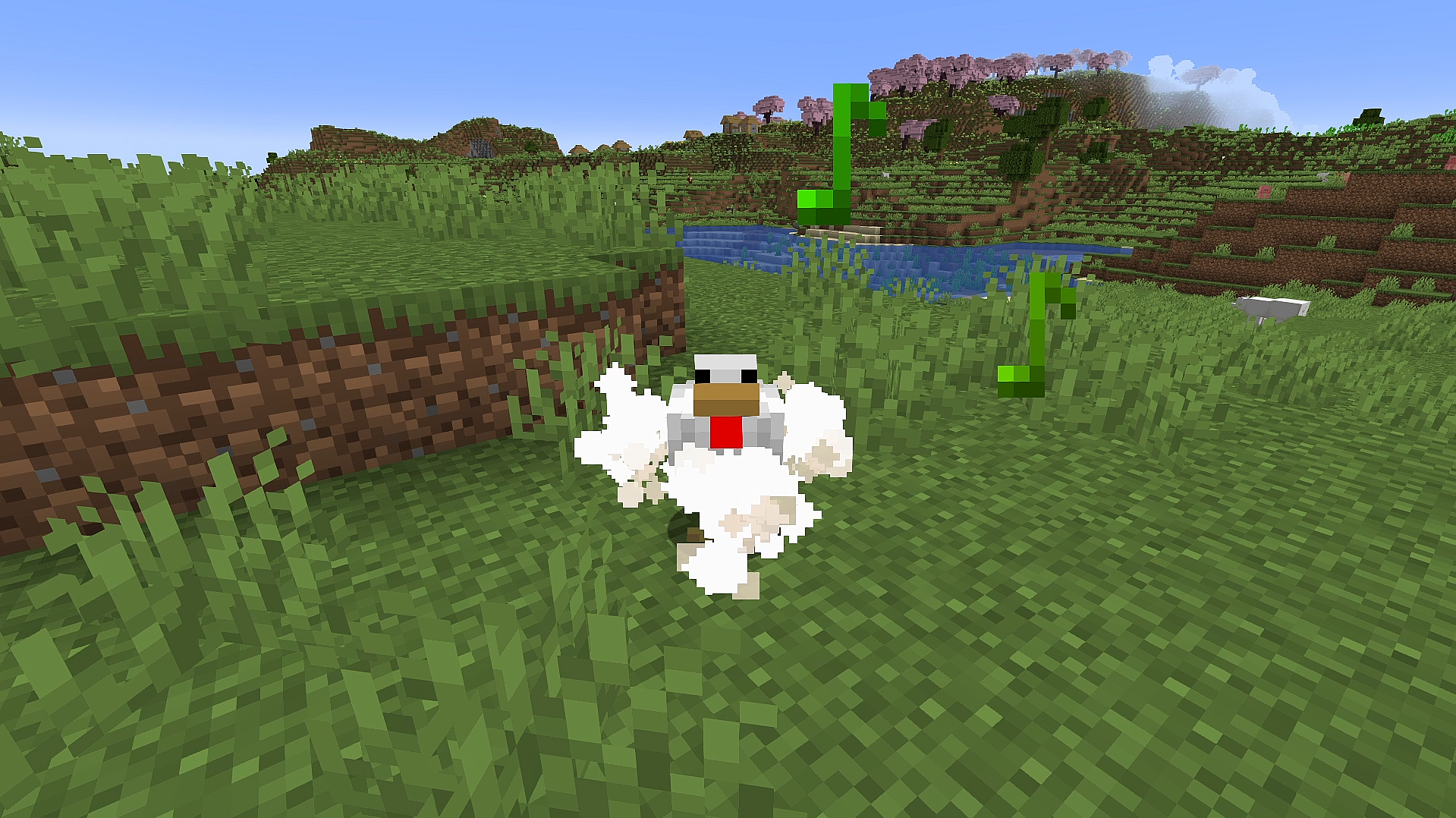 Chicken Talking Chicken Talking
 -
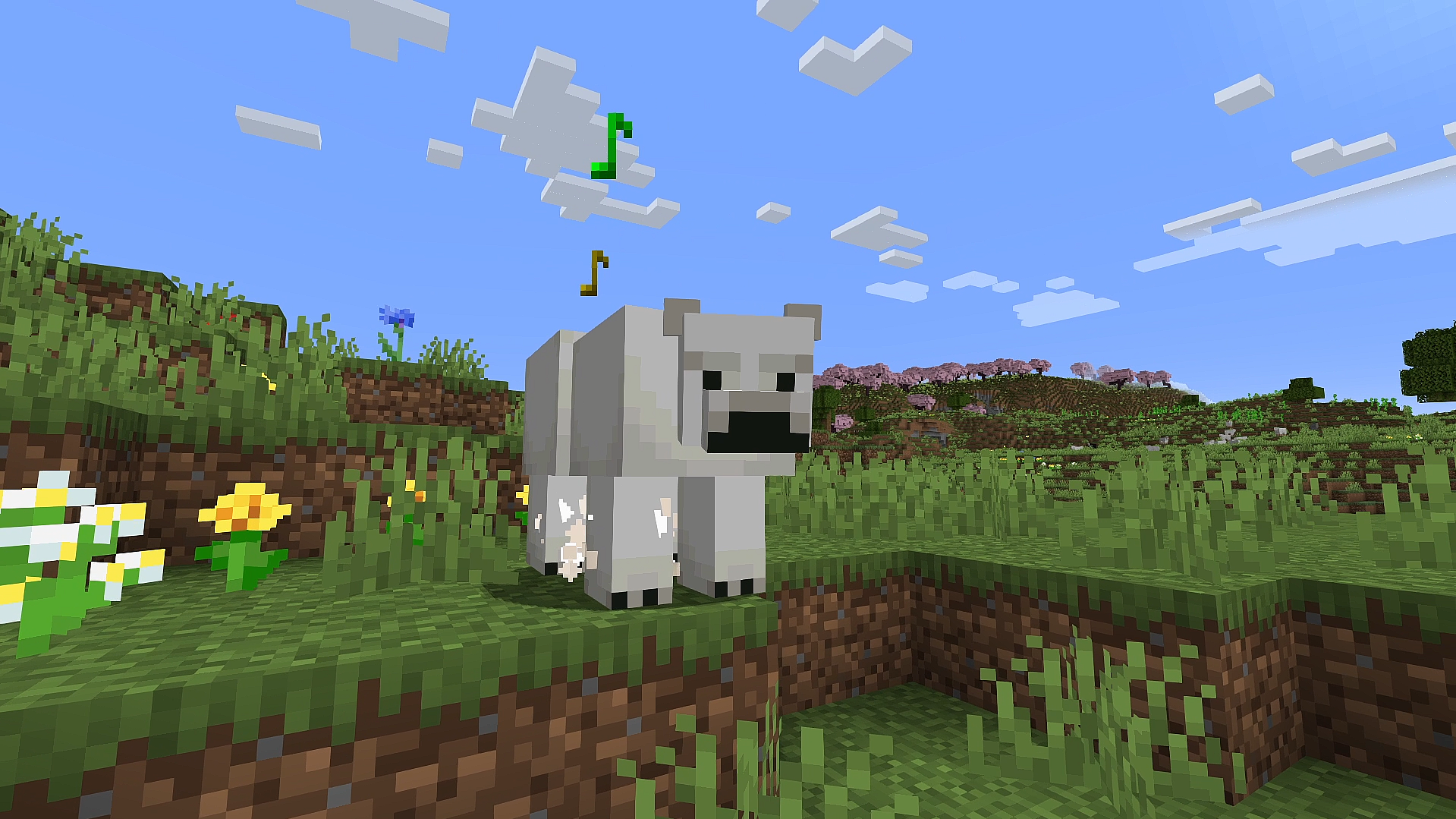 Polar Bear Talking Polar Bear Talking
 -
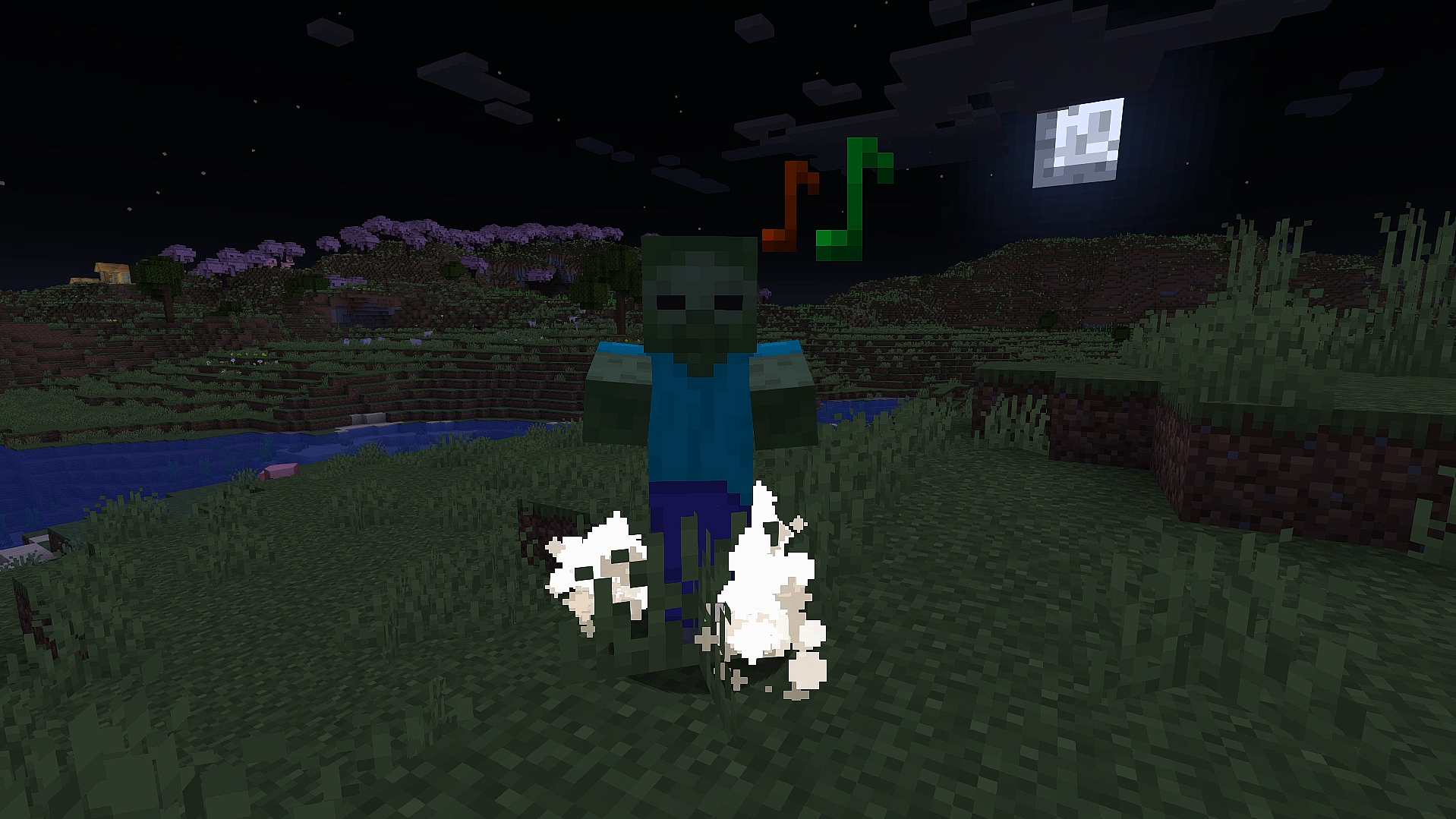 Zombie Talking Zombie Talking
 -
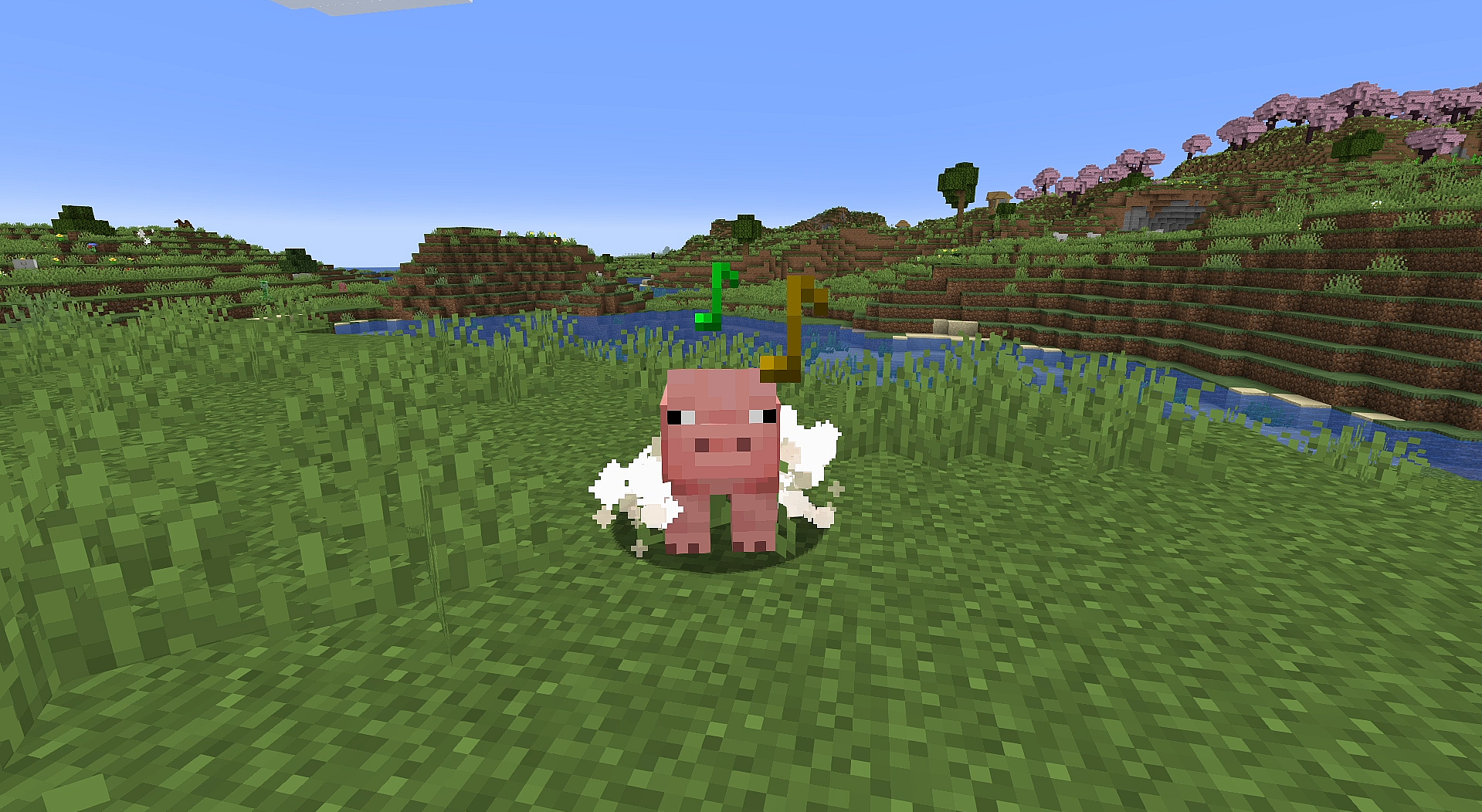 Pig Talking Pig Talking
 -
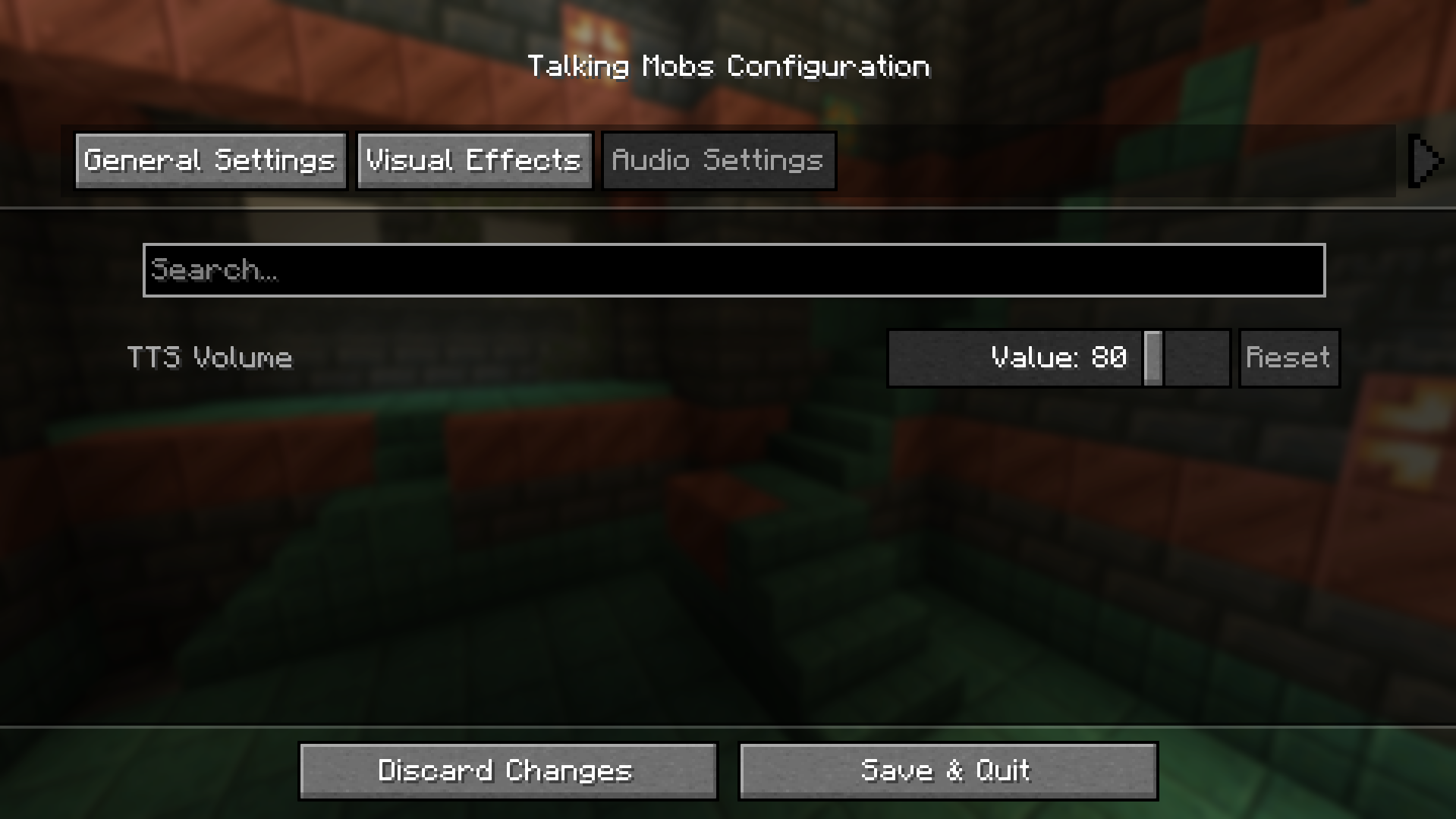 Configuration Settings 3 Configuration Settings 3
 -
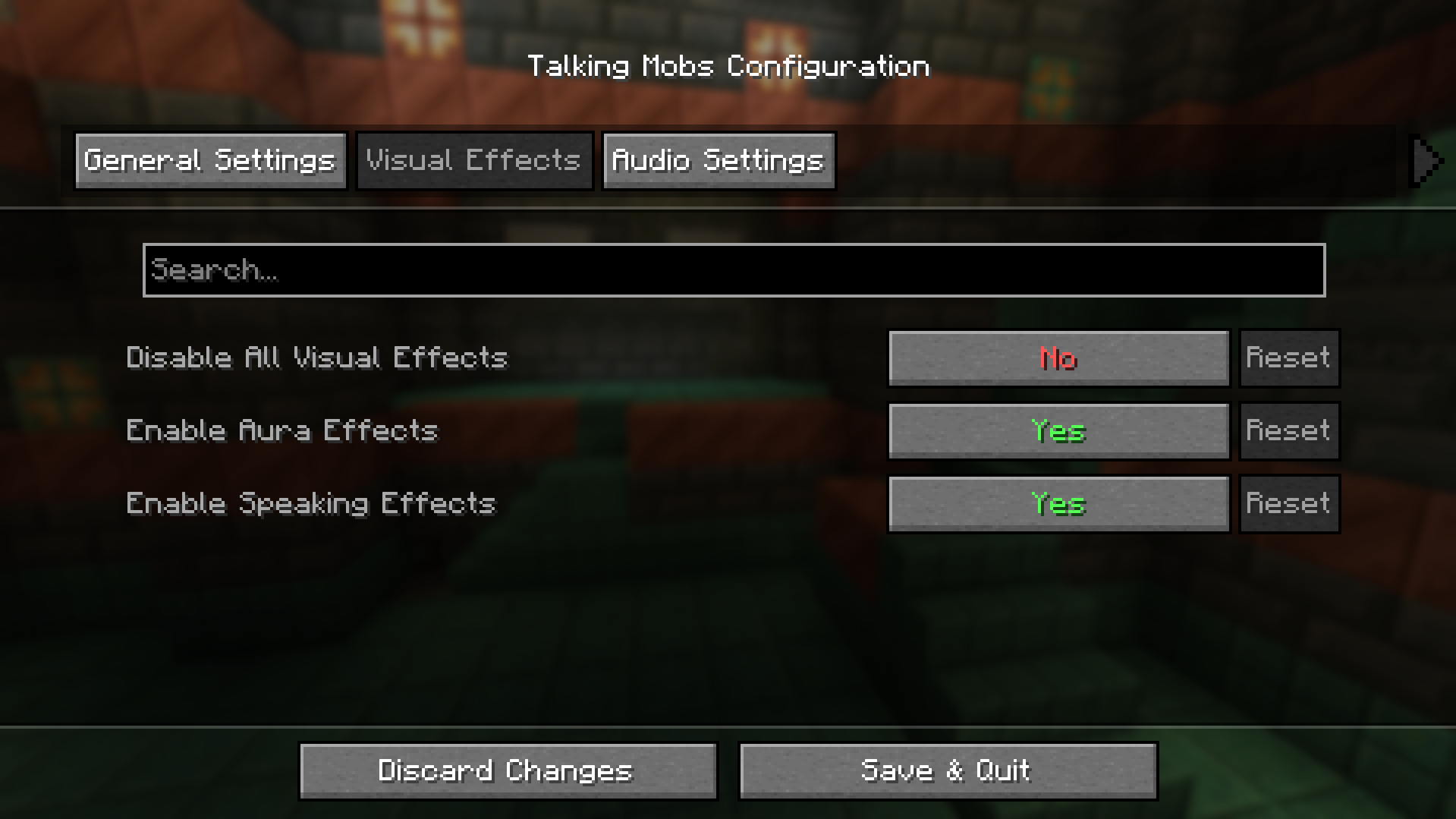 Configuration Settings 2 Configuration Settings 2
 -
 Configuration Settings 1 Configuration Settings 1
 -
 Logo Logo
Versions
Files
Relations
Project Relations
More like this
Similar Mods
Suggestions use data such as tags, dependencies, dependents, descriptions, titles, and more to rank how much they overlap with this mod.
On ModDex
Community snapshot
By the numbers
Statistics
Want to reach Minecraft players?
We're looking for a server hosting partner to feature here and other parts of the site. Interested? Send us a message!
Get in touchGet it on
Available Platforms
On ModDex
Community snapshot
By the numbers