
Community listing page, reviews here may not be monitored by the author.
Translator (NeoForge)

No reviews yet
NeoForge 1.21.1 in-game translator — client-side chat & world text. 中文: GitHub README_zh-CN.md
Community voices
Reviews
No reviews yet. Be the first to review this project!
Get it on
Available Platforms
Compatibility
Supported Environments
Runs entirely on the client. Works on vanilla servers.
About
Project Details
For authors
Embed Badge
If you're the author of this project, you can embed a live badge anywhere that supports HTML or Markdown. It updates automatically whenever ratings change.
Use HTML for any page that supports it, or Markdown for README files and Markdown-based descriptions.
Identifiers
Platform IDs
About
Description
This mod serves as a translation tool within the game, designed to translate text found in various in-game elements without altering world data. It supports chat, scoreboards, boss bars, titles, tooltips, signs, TextDisplay floating text, books, and more.
Maintained by Gstar (GitHub) — NeoForge 1.21.1, developed with AI-assisted tooling (Cursor). Independent project; see CREDITS.md for design references.
Platform
| Loader | Minecraft | Notes |
|---|---|---|
| NeoForge | 1.21.1 | Requires Cloth Config (NeoForge 15.0.127+) |
Key features
- Non-intrusive translation — client-side only; does not modify the world.
- Hotkeys
- U — open translation options
- O — screen OCR (when the active translator supports images)
- In-game commands
/transconfig— configure translators, languages, cache, and API keys/translate <text>— translate text (result is copyable)/translate-re <text>— reverse translation
- Auto-translate — chat, tooltips, titles, scoreboard, boss bar, signs, entity names / TextDisplay, and more (toggle per feature in options)
Supported translation services
Configure your own API keys in-game (Cloth Config or commands):
- Baidu Translate
- Youdao Translate
- Tencent Cloud Machine Translation
- Bing Translate
- OpenAI-compatible LLM endpoints
Quick start
- Install NeoForge 21.1.216+, Cloth Config API (NeoForge 15.0.127+), and this mod.
- Configure Tencent Cloud (example):
/transconfig tencent <SecretId> <SecretKey> - Set languages:
/transconfig language "Auto" "Chinese (Simplified)" - Press U and enable the auto-translate options you need.
Full command reference: docs/INSTALL.md
Chinese documentation
Simplified Chinese guides are on GitHub (this Modrinth page is English-only):
Screenshots
Gallery
-
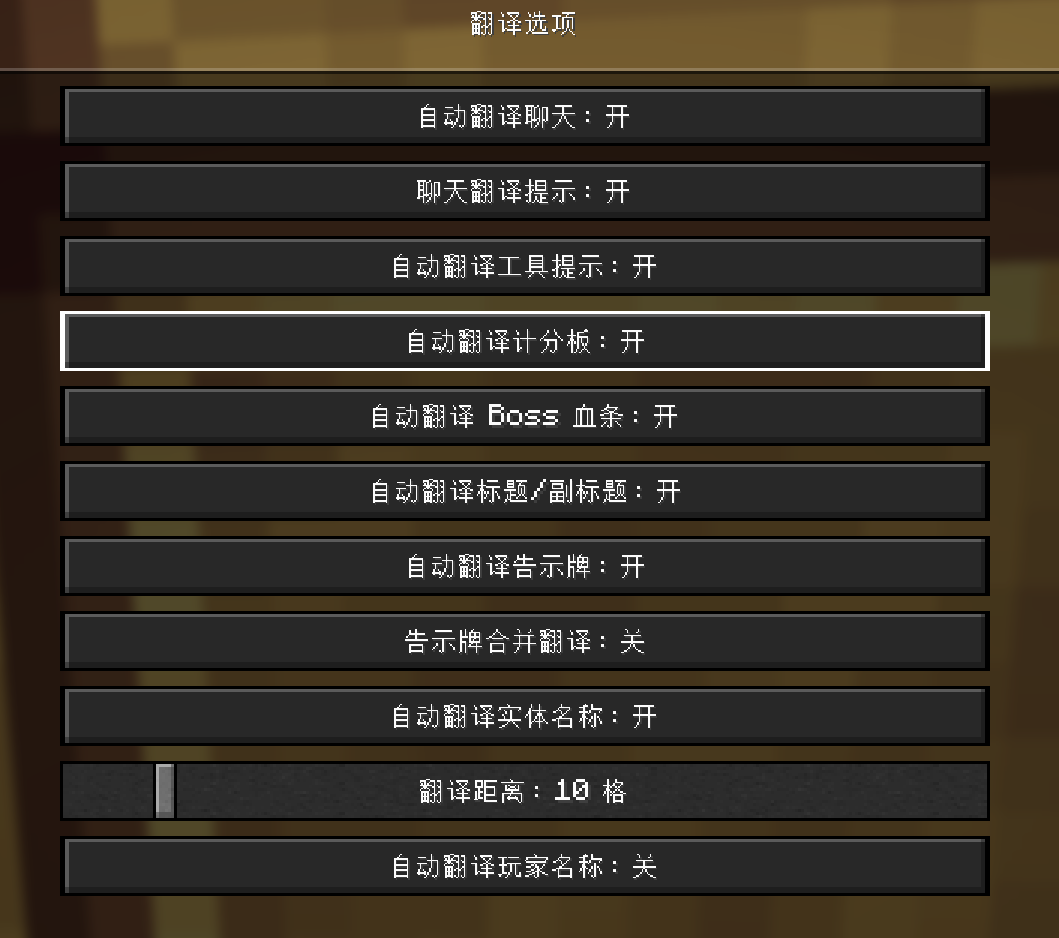 Settings2
 -
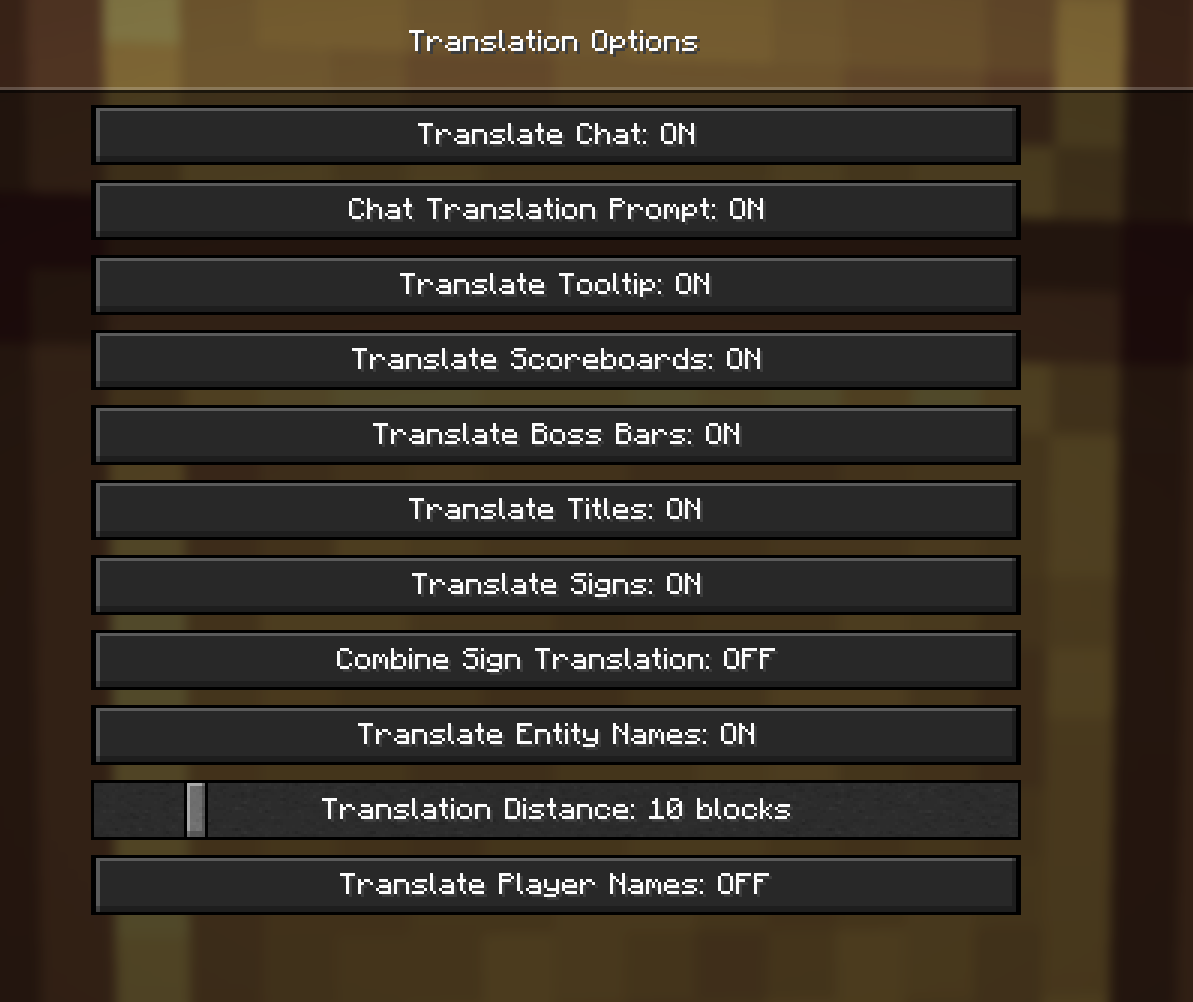 Settings1
Versions
Files
Relations
Project Relations
More like this
Similar Mods
Suggestions use data such as tags, dependencies, dependents, descriptions, titles, and more to rank how much they overlap with this mod.
On ModDex
Community snapshot
By the numbers
Statistics

Want to reach Minecraft players?
We're looking for a server hosting partner to feature here and other parts of the site. Interested? Send us a message!
Get in touchGet it on
Available Platforms
On ModDex
Community snapshot
By the numbers