Community listing page, reviews here may not be monitored by the author.
Valkyrien Skies 2 - Unofficial

No reviews yet
Valkyrien Skies 2 Unofficial Port with new features and changes, pairs well with my port of Eureka Ships! | MC 1.20.1 - 1.21.1 - 1.21.11 Supported
Community voices
Reviews
No reviews yet. Be the first to review this project!
Get it on
Available Platforms
About
Project Details
For authors
Embed Badge
If you're the author of this project, you can embed a live badge anywhere that supports HTML or Markdown. It updates automatically whenever ratings change.
Use HTML for any page that supports it, or Markdown for README files and Markdown-based descriptions.
Identifiers
Platform IDs
Resources
External Links
About
Description
Valkyrien Skies 2 — Unofficial · v3.2.0
Unofficial port — not affiliated with or endorsed by the Valkyrien Skies team. It may be less polished than official VS; use at your own risk, no official support. Source & issues: <VS2 repo>. Original mod: https://valkyrienskies.org/
MC 1.20.1 · 1.21.1 · 1.21.11 — Fabric only Sodium 0.8.12 or Latest — 1.21.11 · Sodium 0.6.9 — 1.21.1 · Sodium 0.5.13 — 1.20.1 Pairs with the matching Eureka (VS2) build for ship building.
This is the complete feature set of the port — List mostly contains features already on the latest official release of VS2, plus a few from my own port.
★ = New feature introduced in this port.
🛠 = Issue that was present in official but my approach on solving in these ports. Approach may change when official version releases!
⚓ = Already featured by official release!
Rendering & Shaders
- ⚓ Ships render under Sodium + Iris shaders — Ship terrain draws through the shaderpack's own program from a cached per-section GPU mesh (normal-mapping/POM match the world), roughly 2× FPS with big or many ships in view. Althoght soon to work slightly different with Blaze3D with 1.21.11 (1.21.5 changed the rendering system & API)
- ⚓ Ship shadows — ships cast, receive, and self-shadow under shaders.
- ⚓ Emissive & material (PBR) blocks — sea lanterns, glowstone, lava, etc. glow, light their surroundings, and occlude correctly under shaders.
- ⚓ Foliage sway — leaves, grass, and crops on ships wave under shaders.
- ⚓ Entities lit by ship light — players, mobs, and armor stands are lit by the ship's own torches/lanterns at night instead of going dark. The VS2 team is already working on a better approach so this will look differently when official comes out.
- Connected glass / CTM — Fusion-style connected textures span ship blocks.
- ★ Extended ship render distance — distant ships stay visible far past vanilla (default 2048 blocks, configurable).
- ★ Ship camera zoom — scroll to pull the mounted third-person camera in/out (configurable min/max); hotbar scroll is untouched elsewhere.
Movement & Physics
- ★ Ocean bob & sway — ships heave, pitch, and roll on the swells while the rider stays glued to the deck. VS2-native (no Physics Mod); large hulls ride gentler than small craft; tunable in an "Ocean Waves" config section.
- ⚓& 🛠 Keep the ship's influence when you jump or walk off — you're carried with the ship like an elytra glide until you leave its bounds, instead of dropping away; creative-flight carry works too.
- ★ Configurable influence border — the carry zone extends a couple blocks past each of the six faces by default; widen/shrink it per-face live in-game or in config (0 = exact hull).
- 🛠 No stern fling — standing at the back of a fast ship no longer slides you under the hull and off the deck (with a small edge margin so a foot over the rim still counts as on-deck).
- ★ Ships sail through kelp & seagrass — a moving hull clears only the kelp it physically touches (no drops, seagrass left alone; toggle
shipsDestroyPlants).
Riding, Camera & Controls
- ★ & 🛠 Relogging on a moving ship won't kill you — you reappear seated on an invisible seat where you logged off (SHIFT to stand, no fall damage; ship 3rd-person view until you stand) instead of falling through a not-yet-loaded deck.
- ★ Sit-down hotkey (X) — press X to sit on the ship you're standing on; SHIFT to stand back up.
- ★ Standing helm pose — the pilot stands upright at the wheel, even with EMF / Fresh Animations.
- ★ F5 ship-camera cycle — first-person → third-person → immersive ship view → Shoulder Surfing (if installed).
- Controller steering — full Controlify support.
- 🛠 No dismount fall / mount freeze — the seat keeps you synced every tick, so no ~10-second of sailing, player frozen where initially mounted, and no fall damage stepping off after a long descent.
Entities & World
- 🛠 Mobs & villagers live on ships — they path across decks, chase, flee, find jobsites, and sleep/wake, staying synced (no sliding or rubber-banding) even while the ship moves.
- 🛠 Entities don't fall through ships — mobs, animals, and armor stands stay put through world-load, assembly, and disassembly; armor stands ride deck-locked and rotate with the hull.
- 🛠 Fireworks don't freeze on decks — rockets stay in world space and burn out / explode normally.
- ★ Ships stay simulated — keep-active ships keep running physics, cruise, and machinery past your simulation distance.
- Restored vanilla-VS behaviors that 1.21.11 had silently broken: mob pathfinding onto ships, leashes, rain/snow on and around ships, block-mass tooltips, the no-fly auto-kick, ship-aware dismount, and the on-ship fluid-escape setting.
Commands
★ = added or changed by this port. All other /vs commands are standard Valkyrien Skies 2.
⚓ = Already featured by official release!
Influence & view
- ★
/vs expand-influence <amount> <face>— widen the influence carry border on one face (top/bottom/left/right/front/back), live in-game. - ★
/vs contract-influence <amount> <face>— shrink the border on one face (won't go below the hull). - ★
/vs influence-border <true|false>— draw each ship's influence border as a blue wireframe.
Rendering toggles
- ★
/vs ship-shadows <true|false>— toggle ship shadows under shaders. - ★
/vs ship-emissive <true|false>— toggle emissive / material rendering on ship blocks.
Ship management
⚓ /vs rename <ship> <name>— rename a ship.⚓ /vs scale <ship> <factor>— scale a ship uniformly.⚓ /vs delete <ships> [deleteBlocks]— delete ship(s).⚓ /vs dry <ships>— remove all water from a ship.- ★
/vs desnow <ships>— clear stray snow layers left after assembly (failsafe; assembly strips them itself). ⚓ /vs remass <ships>— recalculate a ship's mass.⚓ /vs splitting <ships> <bool>— auto ship-splitting: separate disconnected pieces into independent ships (on) or keep them as one (off).⚓ /vs set-static <ships> <bool>— freeze a ship as a static, immobile structure (no physics; holds position even after you walk away).- ★
/vs set-keep-active <ships> <bool>— keep a ship simulating even when no player is within its simulation distance. ⚓ /vs teleport <ships> <pos> [angles] [vel]— teleport ship(s).⚓ /vs get-ship·/vs get-air·/vs get-gravity— look up the managing ship / air / gravity at your position.
Physics backend
⚓ /vs backend engine <krunch|physx|jolt>— switch the physics engine that simulates ships (affects performance + physics feel).⚓ /vs backend lodDetail <n>— physics level-of-detail for ship collision (−1 = full detail; higher = more detail, more cost).⚓ /vs perf-test spawn-ship-cube <size>— spawn a cube of test ships for benchmarking.
From the Eureka addon (if installed)
- ★
/vs eureka-assembler <floater|balloon> <true|false>— toggle Eureka Assembler auto-fill. - ★
/vs get-ship-weight <ship> <floater|balloon>— print a ship's mass + needed floaters/balloons.
Compatibility & Requirements
- Fabric only — no NeoForge.
- Sodium required for ship-terrain rendering (it replaces the chunk renderer). Latest Sodium works.
- Pairs with the matching Eureka (VS2) build for ship building.
- Soft-compat for Fresh Animations / EMF (helm pose) and Shoulder Surfing Reloaded (F5 cycle). Tested with Iris + Eclipse shaders and Voxy (ships render inside Voxy chunks).
- Third-party mod compat (Create, CC:Tweaked, Hexcasting, Immersive Portals, Flywheel-based mods, etc.) is not included yet — none have 1.21.11 builds. Will add support for 1.20.1 & 1.21.1 eventually!
Known Issues
- On-ship water still overflows off edges and falls to y≈64 before stopping (harmless stopgap; it phases through terrain on the way down).
- Multiplayer is barely tested, most testing has been done in singleplayer.
Screenshots
Gallery
-
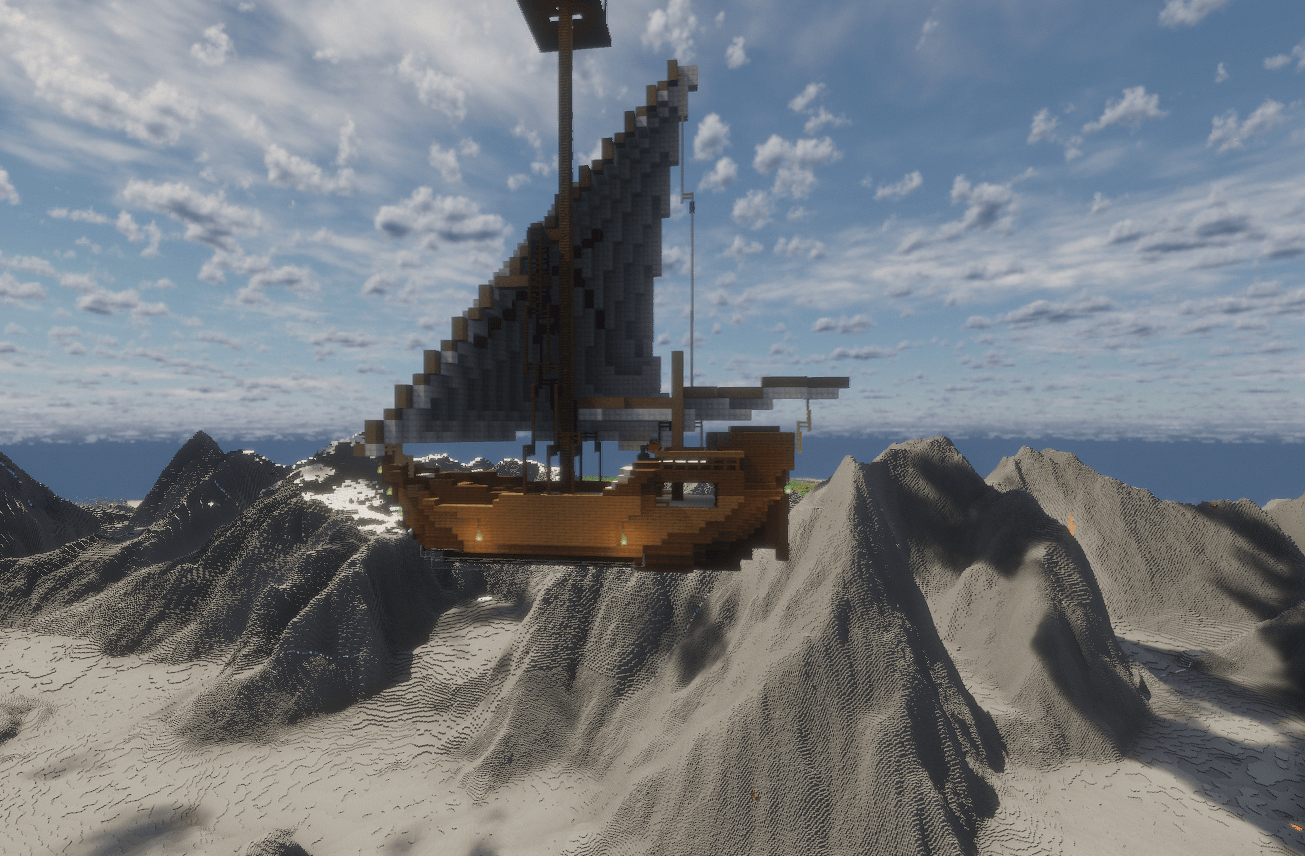 2026-05-31_20.28.39.png 2026-05-31_20.28.39.png
 -
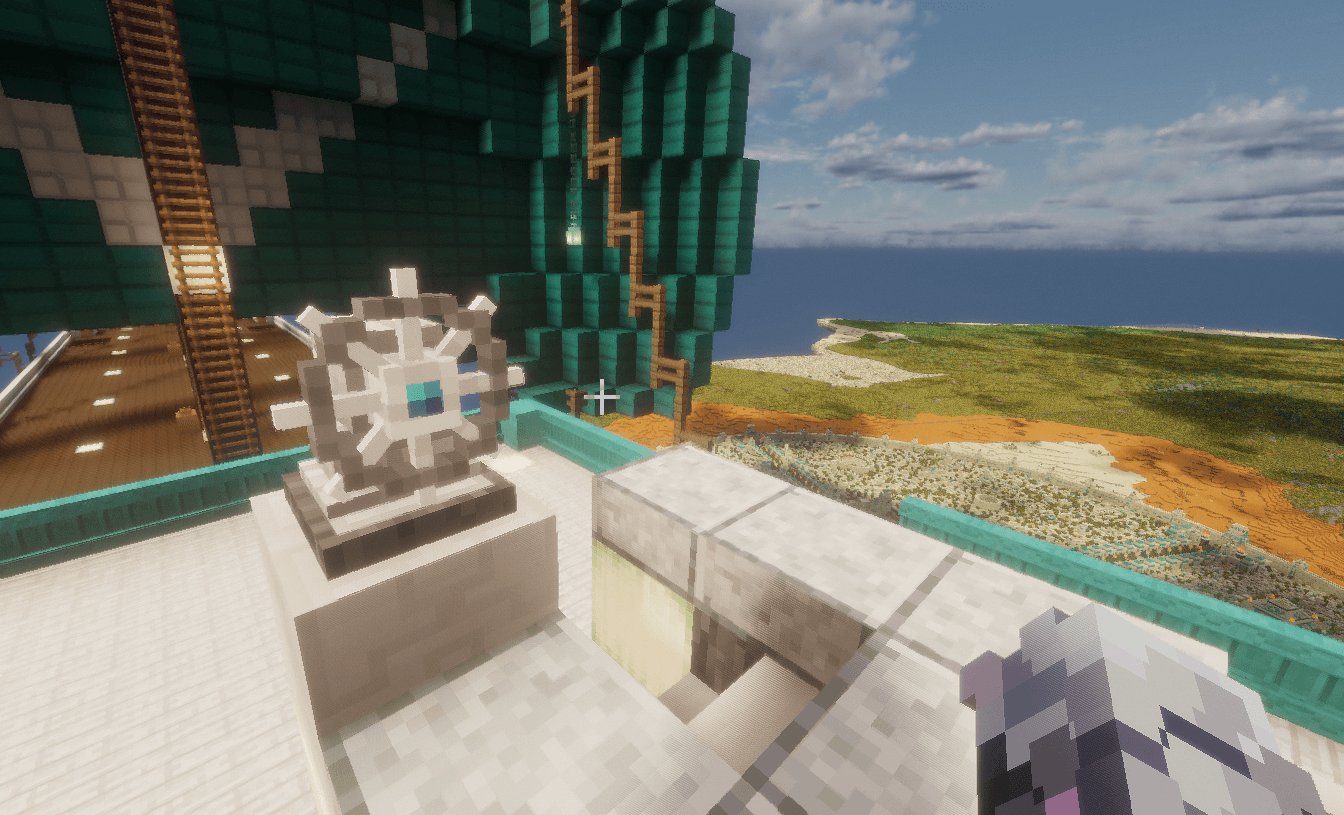 2026-07-17_11.37.09.png 2026-07-17_11.37.09.png
 -
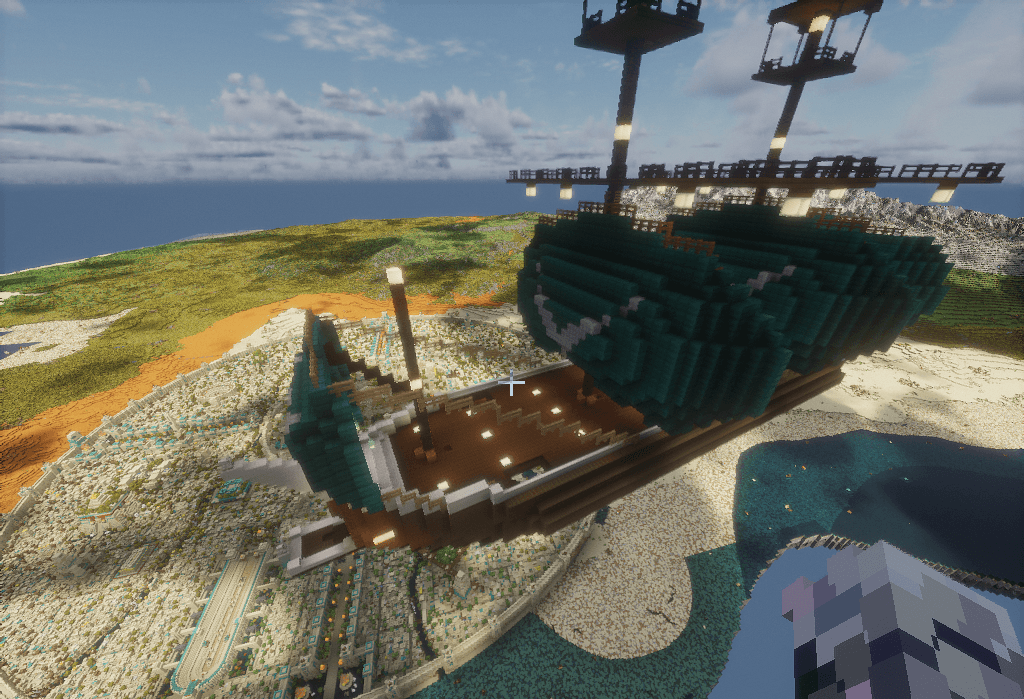 2026-07-17_11.38.48.png 2026-07-17_11.38.48.png
 -
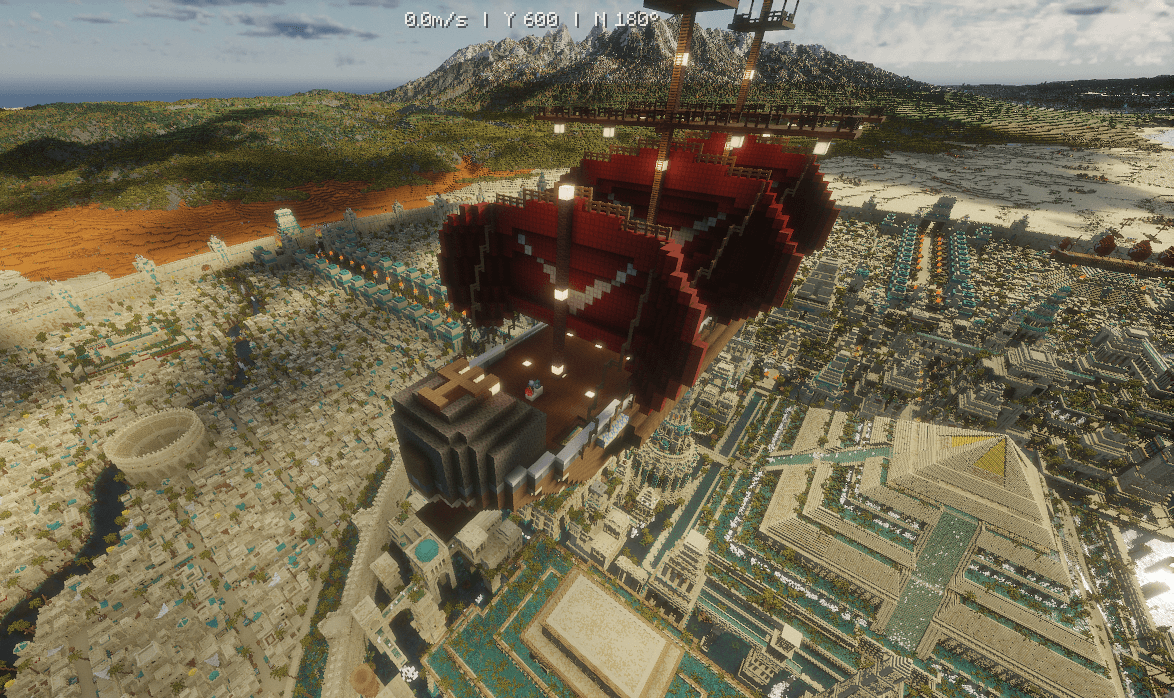 2026-06-25_04.23.54.png 2026-06-25_04.23.54.png
Versions
Files
Relations
Project Relations
More like this
Similar Mods
Suggestions use data such as tags, dependencies, dependents, descriptions, titles, and more to rank how much they overlap with this mod.
- Valkyrien Skies [UNOFFICIAL] Port
- Valkyrien Skies 2 - RenXin Custom Fork
- Valkyrien Skies 2 + Supplementaries Cannon Fix
- Valkyrien Skies 2 TFC Compatibility
- Valkyrien Skies: Tournament
- Shoulder Surfing Reloaded x Valkyrien Skies Compat (DEPRECATED)
- Valkyrien Storage - Sophisticated Compatibility
- KubeVS
- TIS-VS
- VS2 for Complete Config
- Bottle Ship
- VS2 Utilities
On ModDex
Community snapshot
By the numbers
Statistics
Want to reach Minecraft players?
We're looking for a server hosting partner to feature here and other parts of the site. Interested? Send us a message!
Get in touchGet it on
Available Platforms
On ModDex
Community snapshot
By the numbers
Statistics
Resources