
Community listing page, reviews here may not be monitored by the author.
World Editor

No reviews yet
Make building easier with the World Editor datapack! Datapack has singleplayer and multiplayer support.

Community voices
Reviews
No reviews yet. Be the first to review this project!
Get it on
Available Platforms
Compatibility
Supported Environments
Runs entirely on the server. Also works in singleplayer.
The author has not specified where this runs.
Varies by version.
About
Project Details
For authors
Embed Badge
If you're the author of this project, you can embed a live badge anywhere that supports HTML or Markdown. It updates automatically whenever ratings change.
Use HTML for any page that supports it, or Markdown for README files and Markdown-based descriptions.
Identifiers
Platform IDs
About
Description







📖 Description
This datapack adds commands to make building way easier!
Explore the seamless functionality in both single-player and multiplayer modes.
Commands
Operator permission is required to use this datapack/mod.
V2.4.0+
/function we:tools/cut
/function we:tools/set {block:stone}
/function we:tools/outline {block:dirt}
/function we:tools/replace {old:dirt, new:stone}
/function we:tools/copy
/function we:tools/paste
/function we:tools/move
/function we:tools/rotate {degrees:90}
/function we:tools/undo
/function we:tools/redo

/function we:movement/up {amount:1}
/function we:movement/down {amount:1}

/function we:give/wand
/function we:give/brush

/function we:misc/outline
/function we:misc/deselect_area
/function we:misc/phasing
How to use:
Use /function we:give/wand to get the selector item.
When you have selected two positions named #1 and #2, you can start using the tools.
Use /function we:give/brush to get the brush item.
Instructions are on the item description.
Use /function we:misc/outline to enable/disable the outline particles that appear when you select two positions.
Use /function we:misc/phasing to enable/disable the player being able to phase through blocks when flying.
Copy-Paste info
You must have an area already copied to use the paste function.
Pasted areas will be pasted facing up and south-east. You can also use F3. Make sure that the X, Y, and Z axis lines are all facing away from you. The build is also facing that way.

Screenshots
Gallery
-
 Quick building Make big builds with commands instead of manually playing blocks
 -
 Making Selections
 -
 Cut function
 -
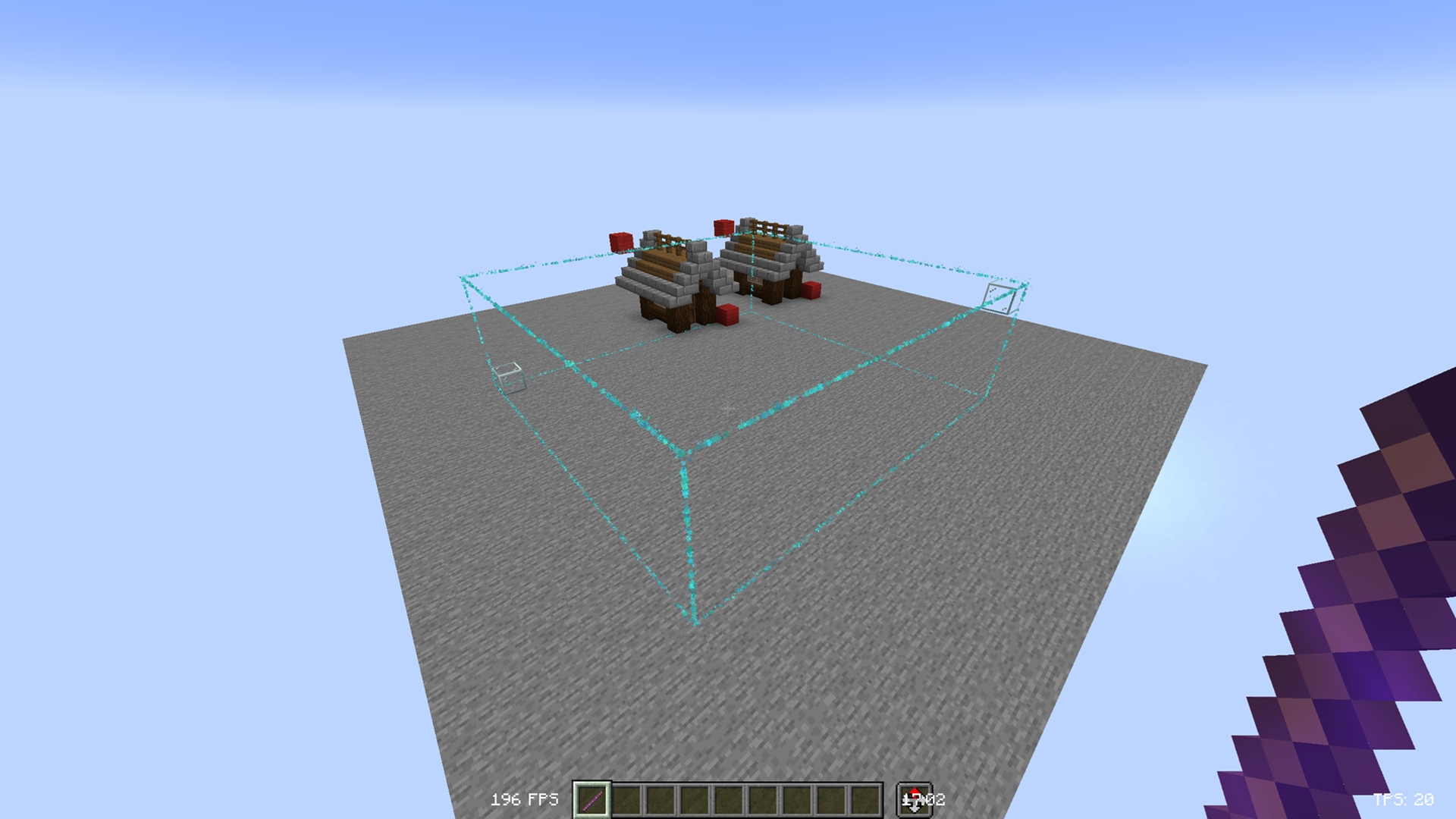 Outline
Versions
Files
Relations
Project Relations
More like this
Similar Mods
Suggestions use data such as tags, dependencies, dependents, descriptions, titles, and more to rank how much they overlap with this mod.
On ModDex
Community snapshot
By the numbers
Statistics

 (opens in a new tab)
Get it on
Available Platforms
On ModDex
Community snapshot
By the numbers