Community listing page, reviews may not be monitored by the author.
Swaying Garden

No reviews yet
Easily enables modded plant blocks to sway with shader effects.

Community voices
Reviews
No reviews yet. Be the first to review this project!
Get it on
Available Platforms
About
Project Details
For authors
Embed Badge
If you're the author of this project, you can embed a live badge anywhere that supports HTML or Markdown. It updates automatically whenever ratings change.
Use HTML for any page that supports it, or Markdown for README files and Markdown-based descriptions.
Identifiers
Platform IDs
Resources
External Links
About
Description
Mod Description
Applying shader effects to modded plant blocks often requires modifying files in the resource pack, which can be cumbersome and tedious, especially when you want to switch shaders easily. This mod simplifies the process by easily enabling modded plant blocks to sway with shader effects, creating a dynamic and immersive visual experience in your world—whether it's flowers, saplings, or other plant-like blocks.
Features:
- Shader Support: Seamlessly integrates with Iris or Oculus, allowing modded plant blocks to be included as shader targets during runtime.
- Compatibility: Works with modded plant blocks, making it simple for players or modpack creators to apply swaying effects without complex setups.
- Customizable: Easily adjust the application targets via Block Tags, IDs (using regex), attributes (using regex), block class names, or custom template objects.
- Convenience: Ready to use right out of the box, no special customization required for most plant blocks.
Water Lilies Floating in Sildurs Shader
Water lilies from Region Unexplored float gracefully on the water, showcasing the unique effects of the Sildurs shader.

Flower Field in BSL Shader
The flower field in Region Unexplored comes to life with soft, vibrant lighting and shadow effects, thanks to the BSL shader.

Wild Rice and Plum Trees in Bliss Shader
Wild rice from Farmer Delight and Plum trees from Environmental are nestled together, creating a tranquil and harmonious natural scene rendered beautifully by the Bliss shader.

Guide
Currently, you only need to configure the mod's TOML file, which can be found in the config folder as swaying_garden-client.toml. There are five methods to add blocks:
- Direct Block ID: You can directly write the block's ID.
- Regex Matching: Use regular expressions like ".*berry_bush", which will match all block IDs ending with berry_bush.
- Tags: Use the # prefix for tags, such as "#minecraft:small_flowers", which will match all small flower blocks.
- Class Names: Use the class name with a ! prefix, such as "!net.minecraft.world.level.block.CropBlock", which will match all blocks of that class.
- Subclasses: Use ~ to match subclasses, such as ~net.minecraft.world.level.block.CropBlock, which will match subclasses like carrots, etc.
Additionally, you can perform blockstate checks with %, for example, "#minecraft:tall_flowers%half:upper", or "#minecraft:tall_flowers%half:upper:age:0". You can also use regular expressions for properties and values.
At the end of the config file, there’s a custom state matching feature. You can separate templates and matches using @, which allows special types, like "minecraft:vine@teastory:rice_plant". This will apply the vine's state to the rice plant from the teastory mod.
Credits
YurisCat create the icon and also Loci_Natit help so.
Screenshots
Gallery
-
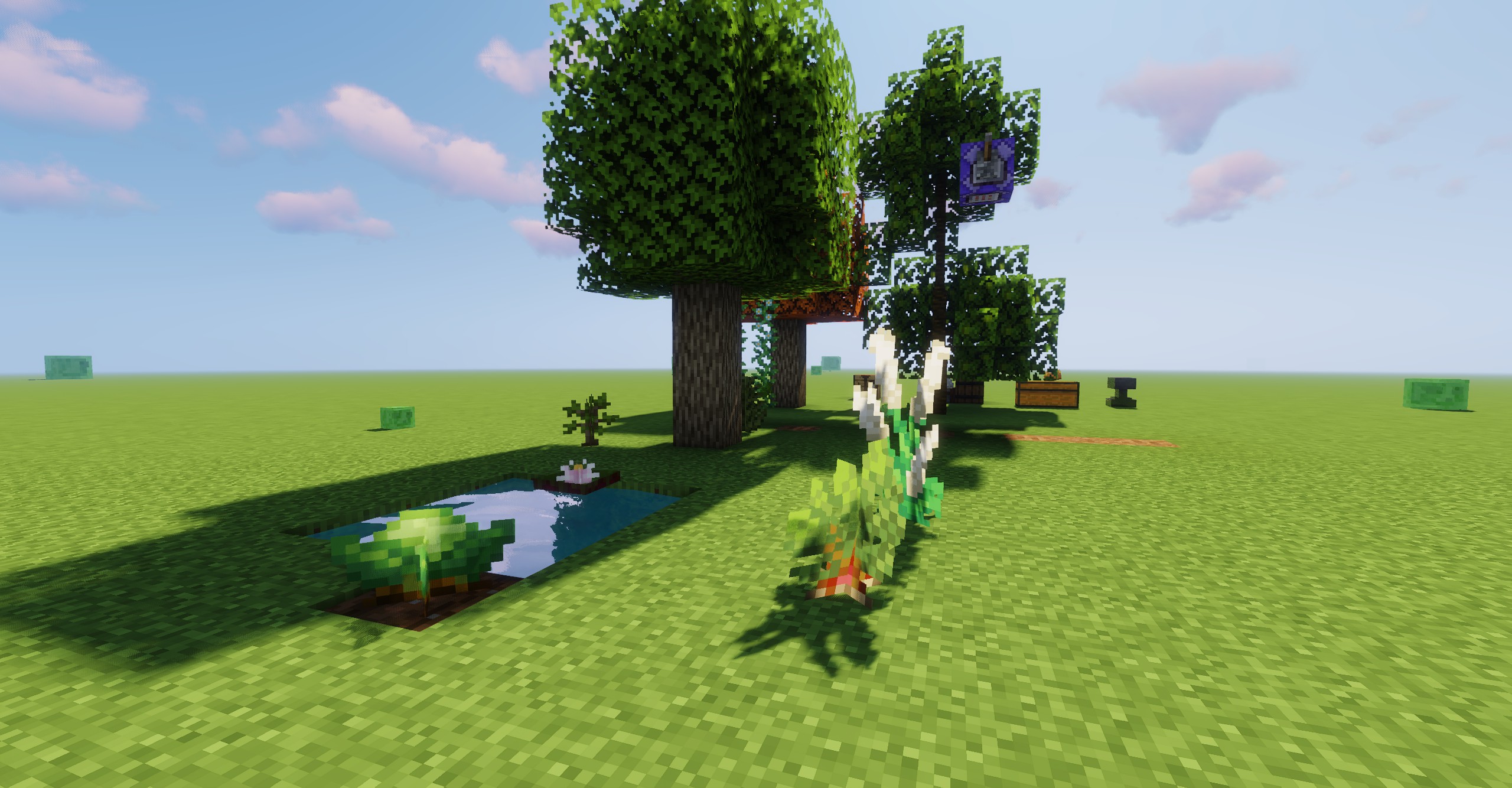 Show (Plants is not from the mod)
Versions
Files
Relations
Project Relations
More like this
Similar Mods
Suggestions use data such as tags, dependencies, dependents, descriptions, titles, and more to rank how much they overlap with this mod.
On ModDex
Community snapshot
By the numbers
Statistics

Get it on
Available Platforms
On ModDex
Community snapshot
By the numbers
Statistics
Resources